
PICK YOUR AI THEME TO GET STARTED

ADD AND EDIT FAQS
An FAQ is a question and its answer. Your chatbots answer from it, and it can appear as a card on any page. It's the fastest way to teach your chatbots something new.
ADD AN FAQ
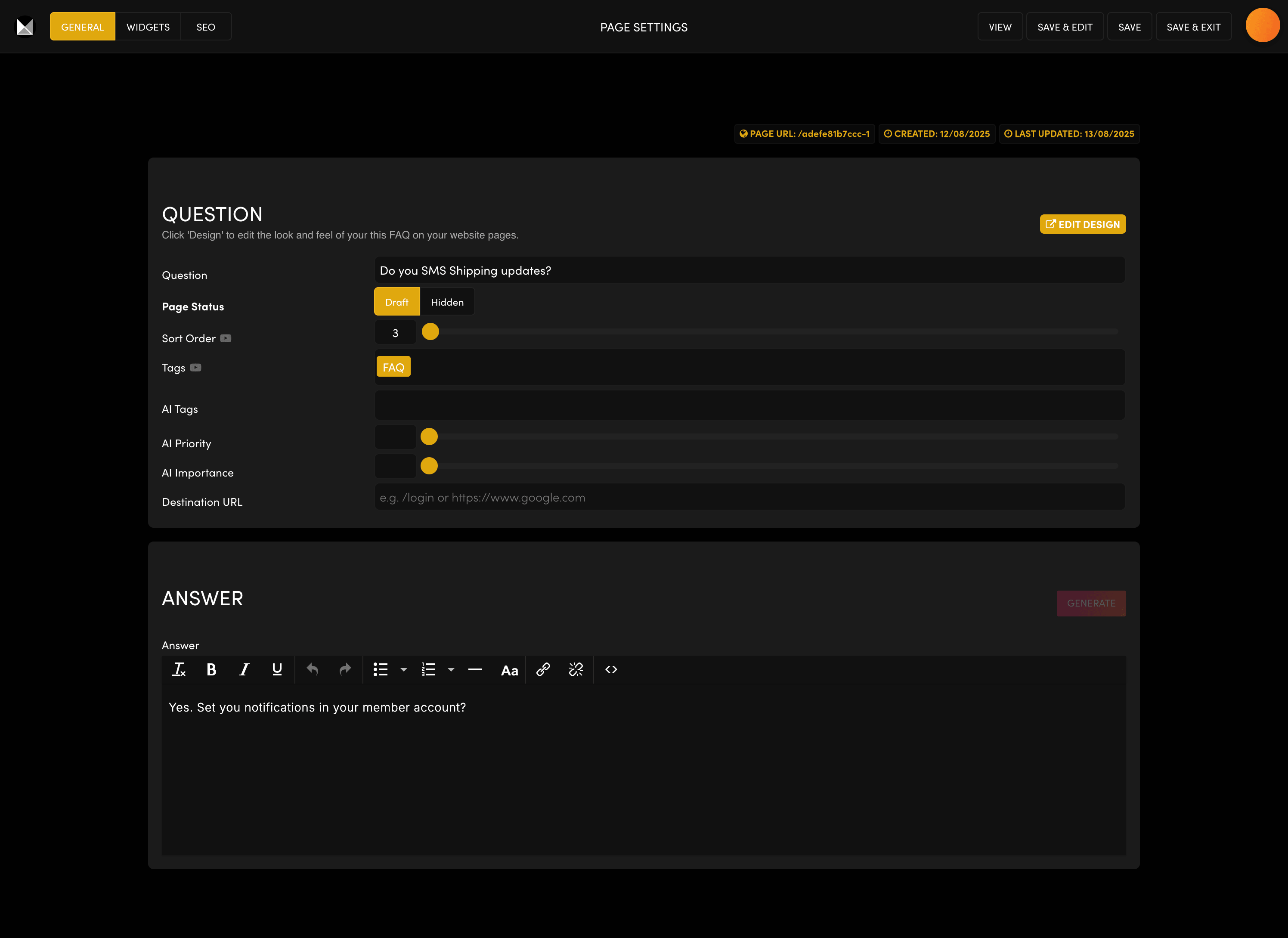
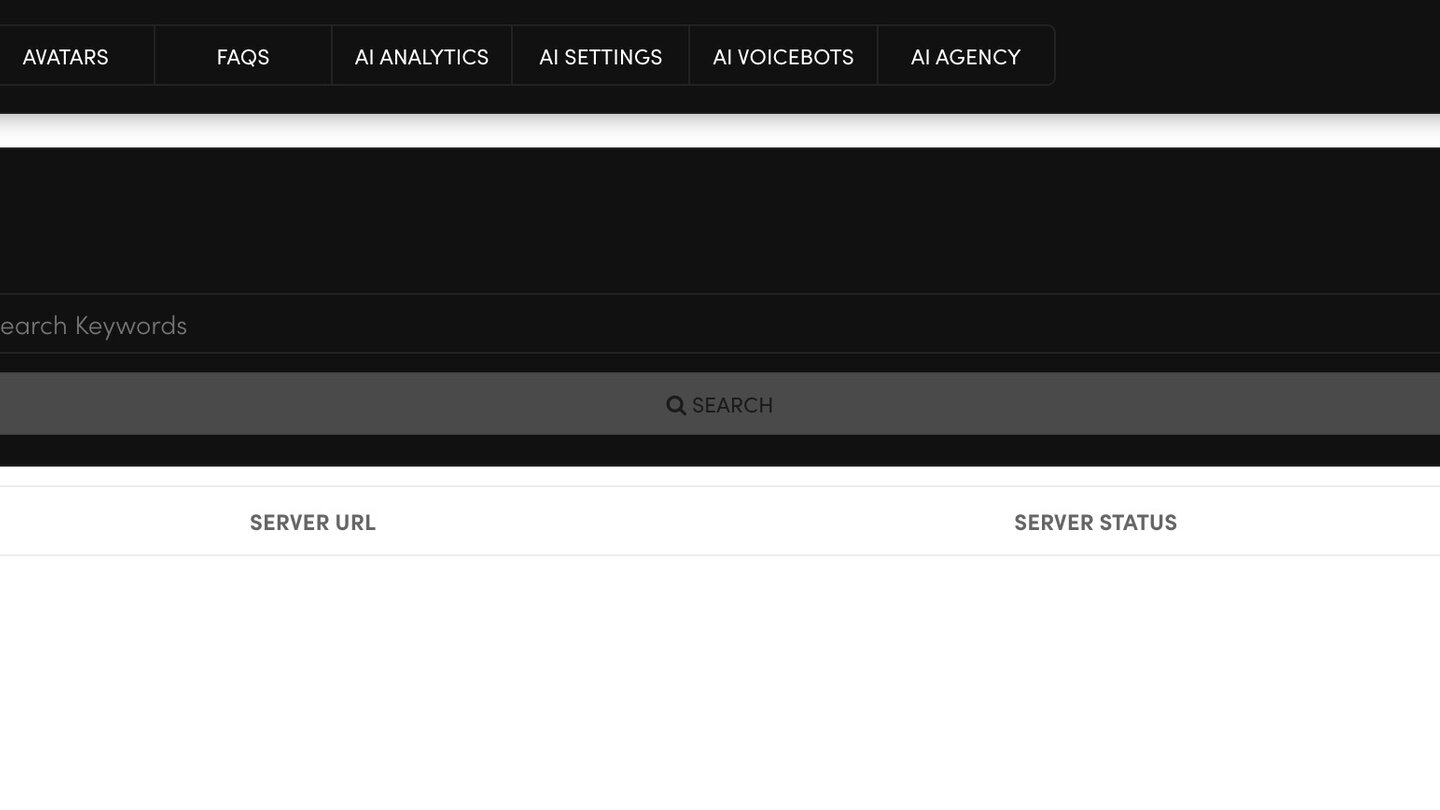
- In AI Agents, open the FAQS tab and click ADD.
- Question — write it the way your customers ask it.
- ANSWER — write a short, clear answer, or click GENERATE to have AI draft one.
- Tags — keep FAQ and add a topic, for example "Shipping".
- Page Status — Hidden, so the FAQ never shows as a page of its own.
Press SAVE.
MAKE YOUR CHATBOTS USE IT
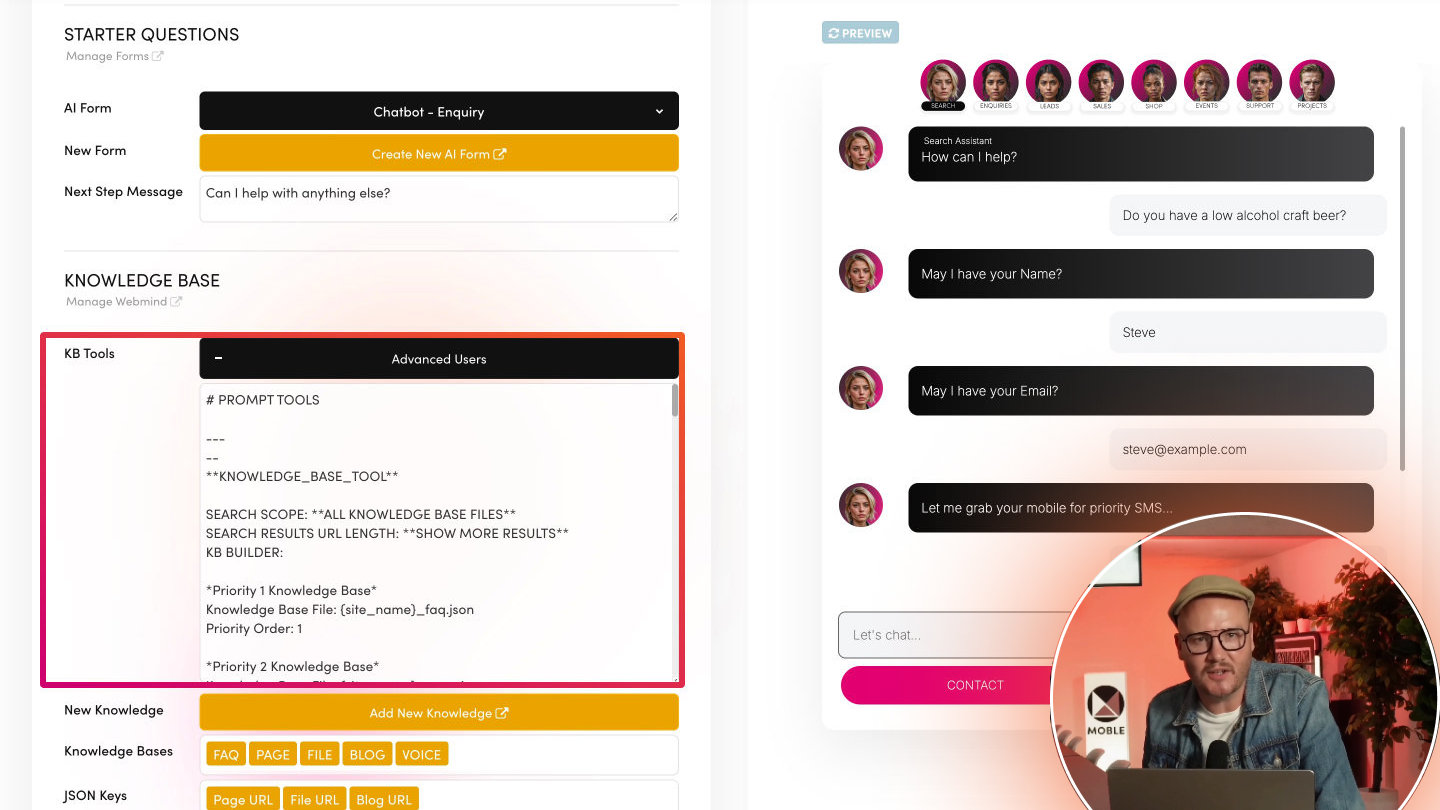
Your chatbots learn the change only after you press RUN on the Webmind tab. Allow 1–10 minutes, then test your chatbot in the preview.
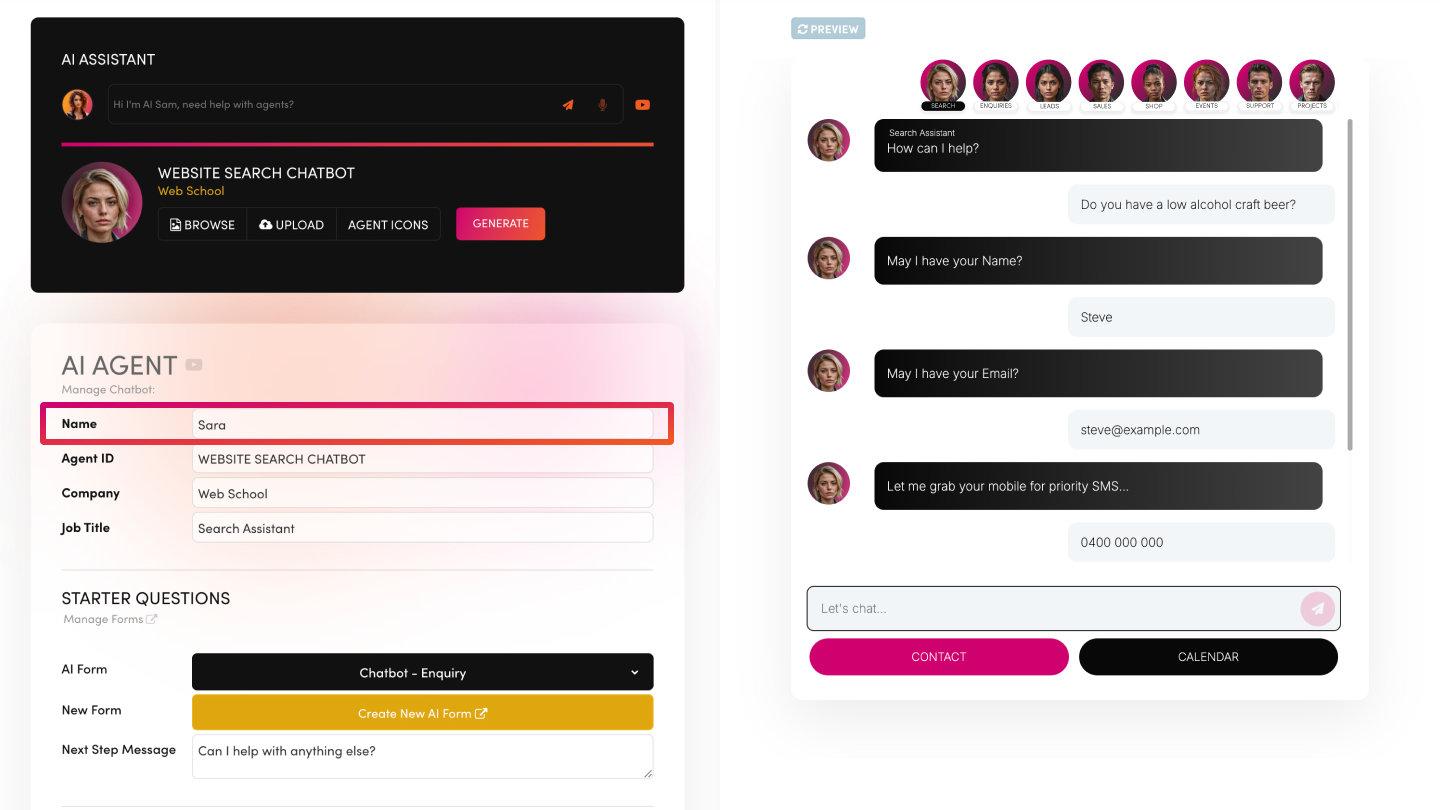
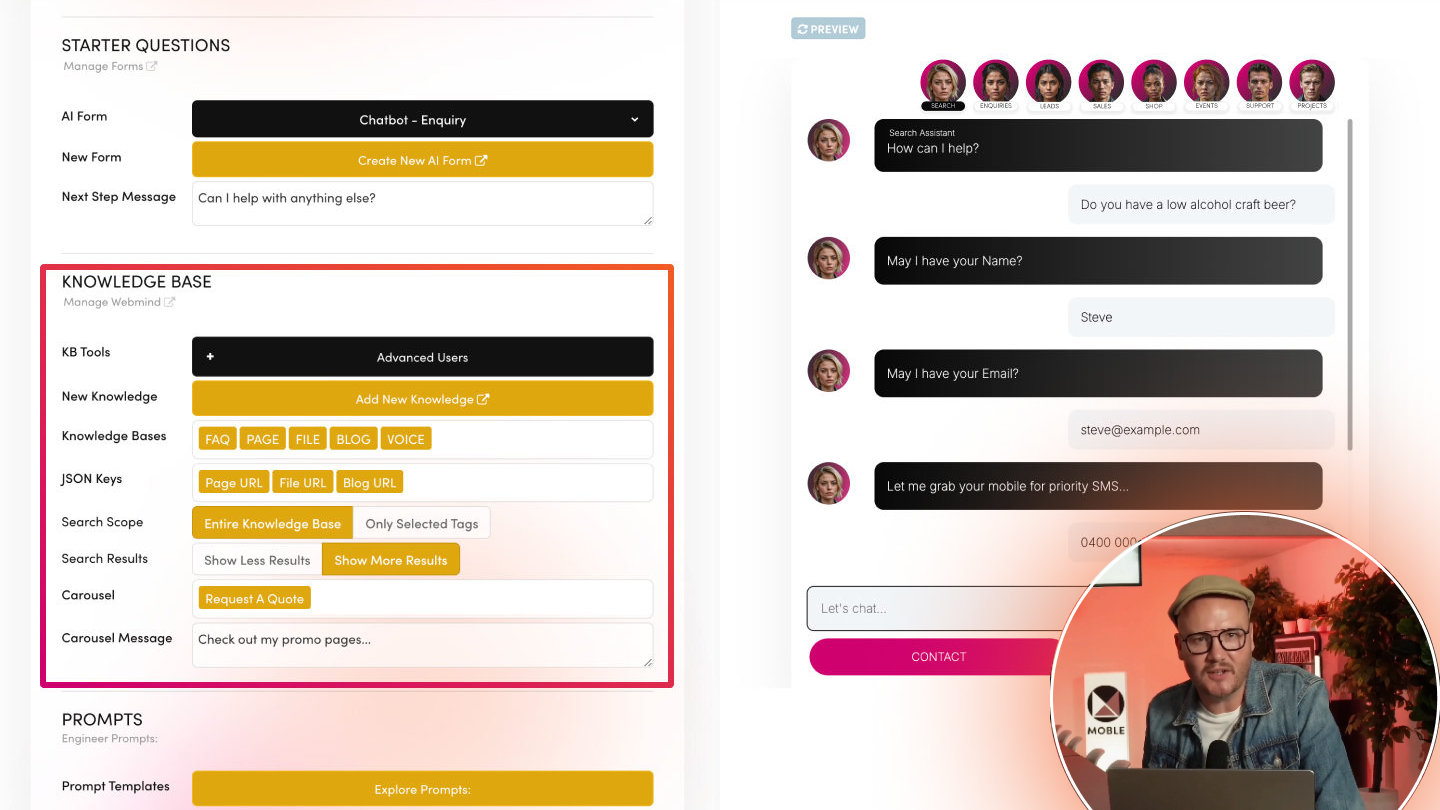
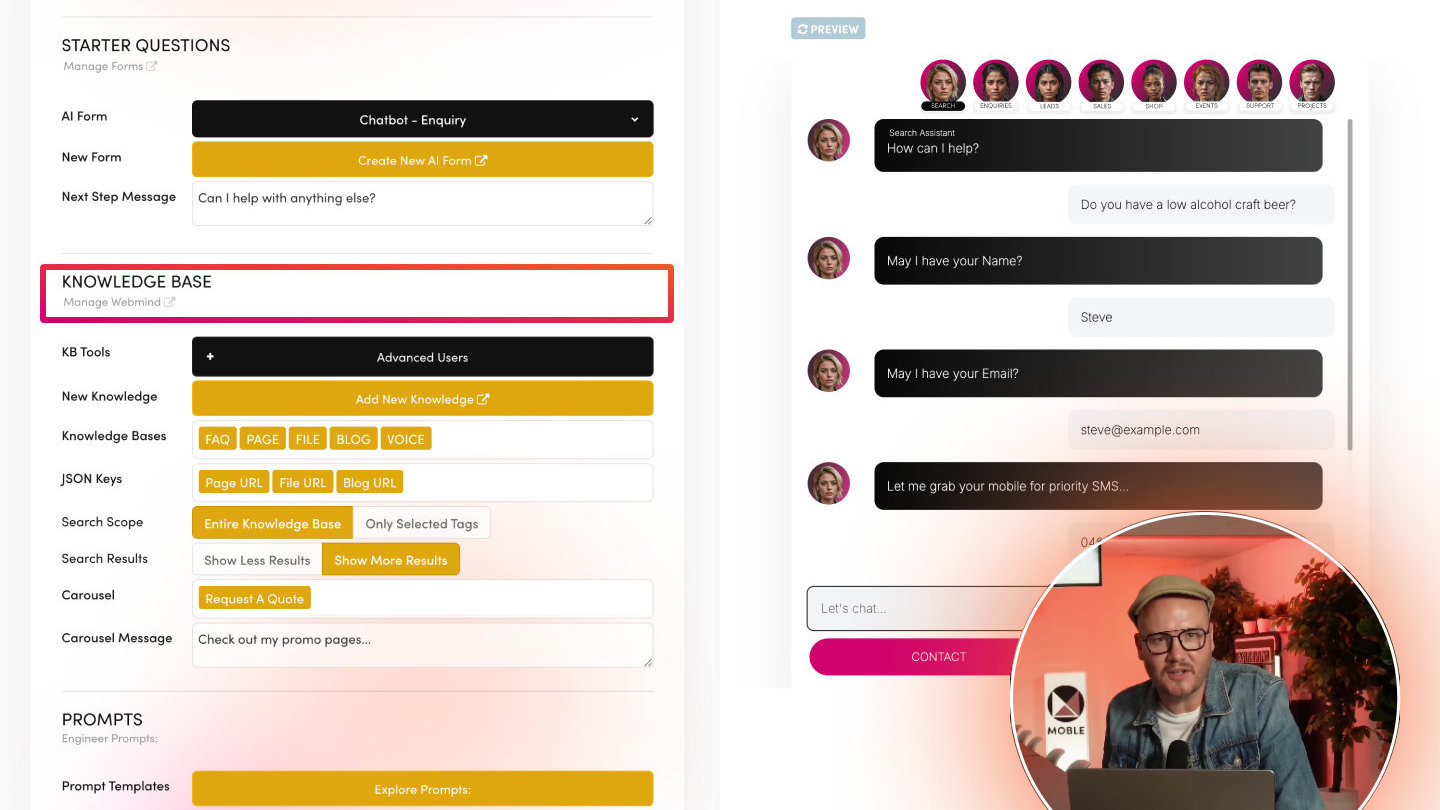
Your chatbots search FAQs when FAQ is in their Knowledge Bases (each chatbot's edit screen). To fix a wrong chatbot answer fast, add an FAQ in your customer's own words.
SHOW FAQS ON A PAGE
FAQ cards appear through a widget that shows every FAQ with the FAQ tag. To show only some, give those FAQs a second tag and set the widget to Must Match All Tags.
A Hidden FAQ still shows in widgets — that's normal. To take a card off your pages, remove its FAQ tag.
THE OTHER FIELDS
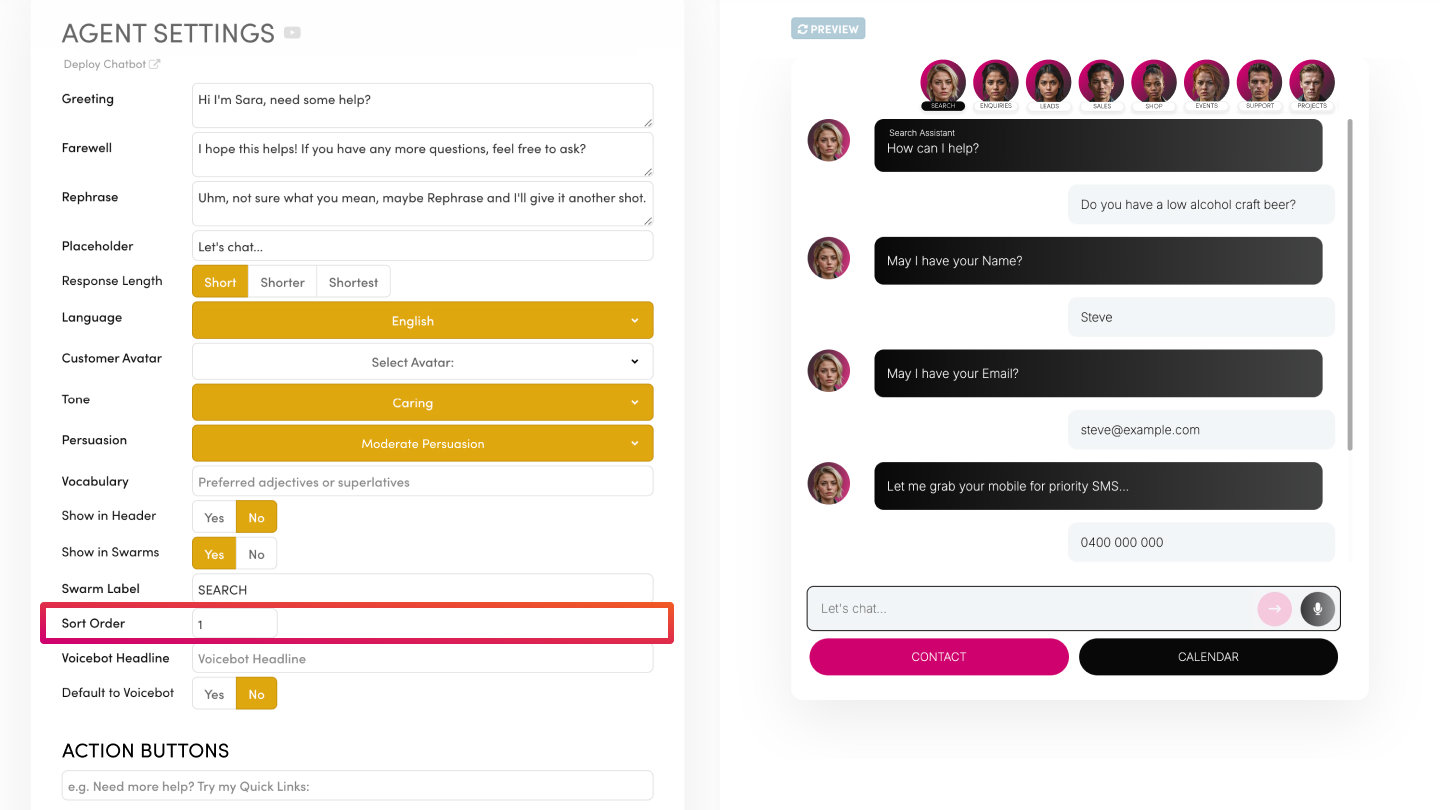
- Sort Order — its place in a widget sorted that way.
- AI Tags — let a chatbot favour this answer.
- AI Priority and AI Importance — 1 to 10, how highly this answer ranks in your chatbots' results.
- Destination URL — where the chatbot can send someone for more.
CHANGE HOW THE CARDS LOOK
Click EDIT DESIGN to open the FAQ card in the page editor. One design is shared by every FAQ card, so a change shows on every page.
RELATED HELP

Play before you Pay?
GETTING AROUND
SUPPORT
AI SALES LINE
AI SUPPORT LINE
ENQUIRIES
team@moble.com.au
GET A QUOTE
A Web Builder for Design. A CMS for Business. We serve all businesses from SME's to Enterprise. Talk with us for AI development, custom website design, website development, ecommerce websites, directories, intranets and social networks.
PRIVACY | WEBSITE TERMS | PLATFORM TERMS | © 2026 MOBLE PTY LTD