
PICK YOUR AI THEME TO GET STARTED

AI ANALYTICS
AI Analytics is where you read what visitors said to your chatbots and how they rated the answers — the quickest way to see what your chatbots still need to learn.
CHAT TRANSCRIPT
Every conversation your visitors have had with your chatbots. Filter by chatbot, and click Export to download them.
FAQ ASSISTANT
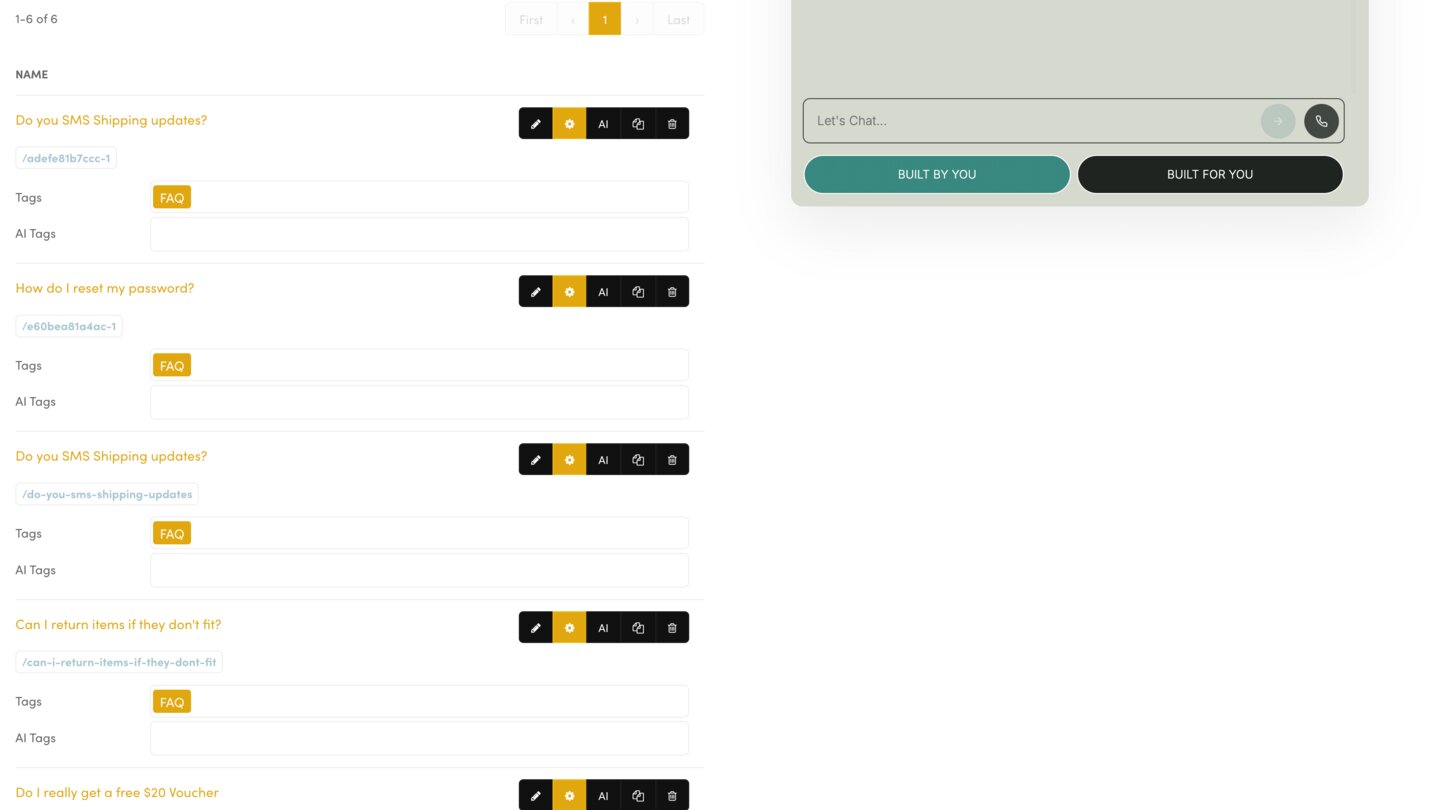
Each question a visitor asked, the Answer your chatbot gave, and the visitor's Feedback — thumbs up or thumbs down. A thumbs down is the clearest sign a chatbot needs better knowledge on that topic.
TURN FEEDBACK ON
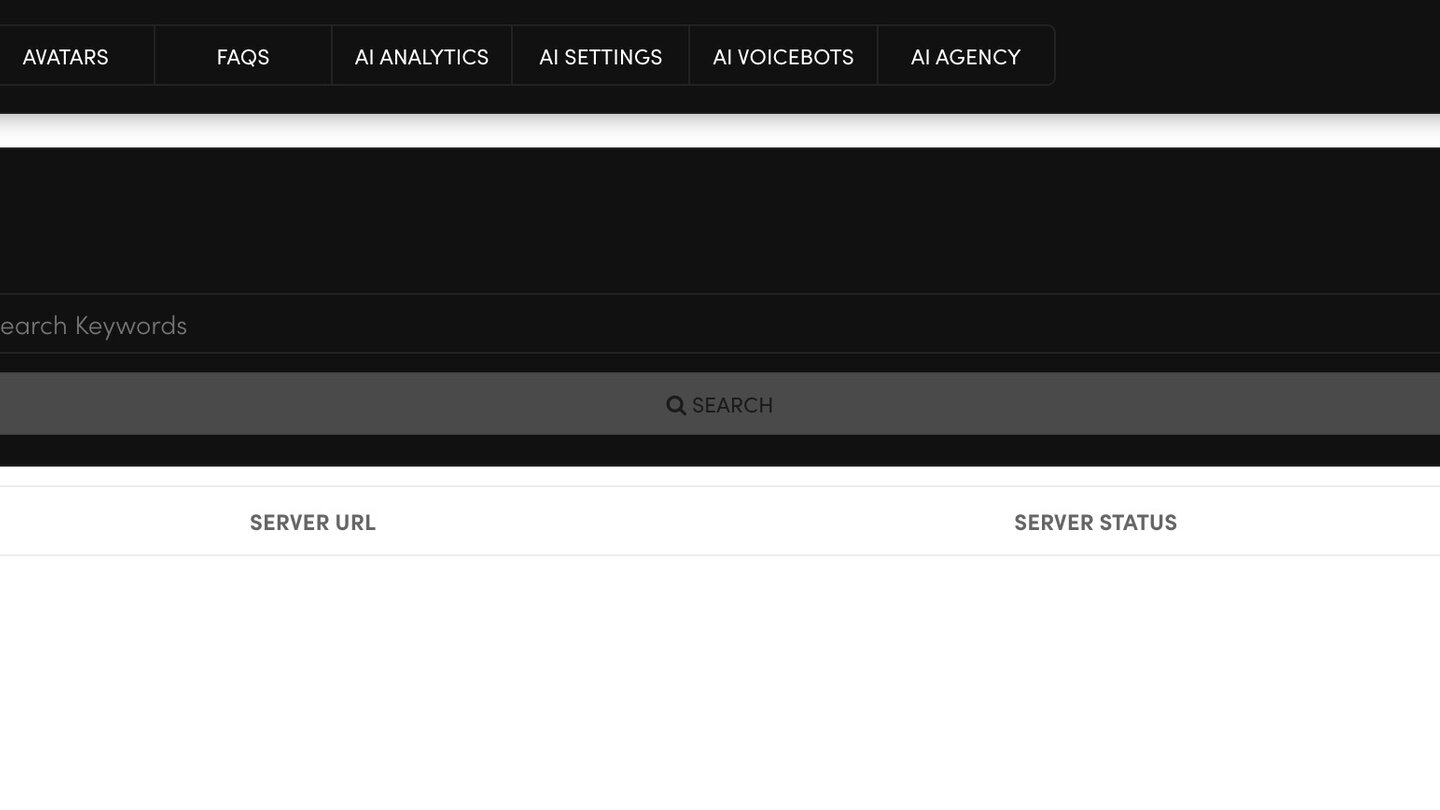
- Open the AI SETTINGS tab.
- Set Feedback to On, and add a Feedback Message if you like.
- Press SAVE.
Feedback is most useful in a new chatbot's first weeks. Turn it off once your answers are reliable.
FIX A THUMBS DOWN
Click ADD FAQ and write the right answer in your customer's own words.
Your chatbots learn the change only after you press RUN on the Webmind tab. Allow 1–10 minutes, then test your chatbot in the preview.
WHERE YOUR LEADS AND TICKETS GO
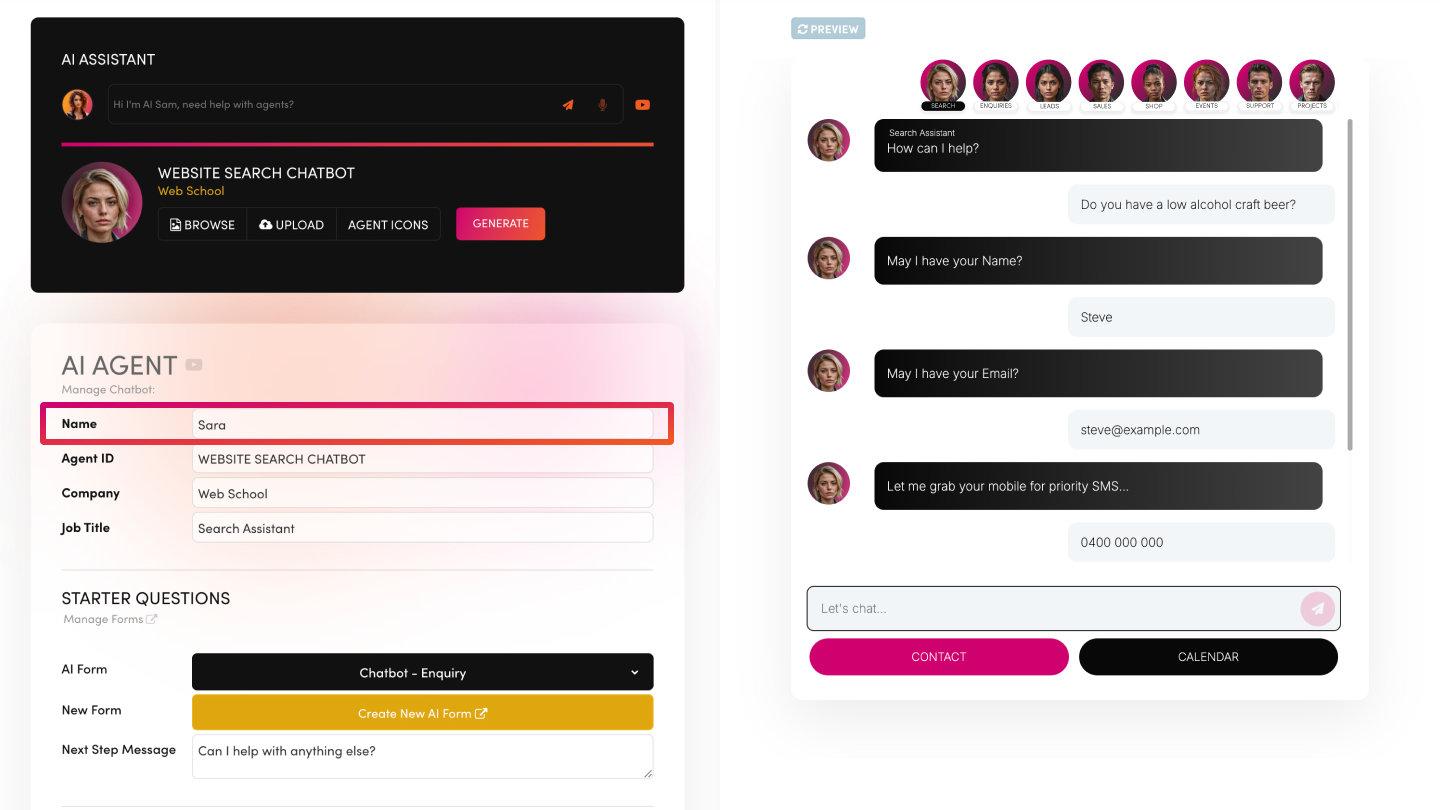
Conversations also create records on your boards. Sales Lead and Quote Request chatbots send leads to Leads, Support Ticket sends tickets to Tickets, and Projects Task sends tasks to Tasks — each with a score for status, priority and importance. Website Forms logs an Enquiry without a score.
RELATED HELP

Play before you Pay?
GETTING AROUND
SUPPORT
AI SALES LINE
AI SUPPORT LINE
ENQUIRIES
team@moble.com.au
GET A QUOTE
A Web Builder for Design. A CMS for Business. We serve all businesses from SME's to Enterprise. Talk with us for AI development, custom website design, website development, ecommerce websites, directories, intranets and social networks.
PRIVACY | WEBSITE TERMS | PLATFORM TERMS | © 2026 MOBLE PTY LTD