
PICK YOUR AI THEME TO GET STARTED

USE FAQS TO RAPIDLY ITERATE YOUR CHATBOT RESPONSES
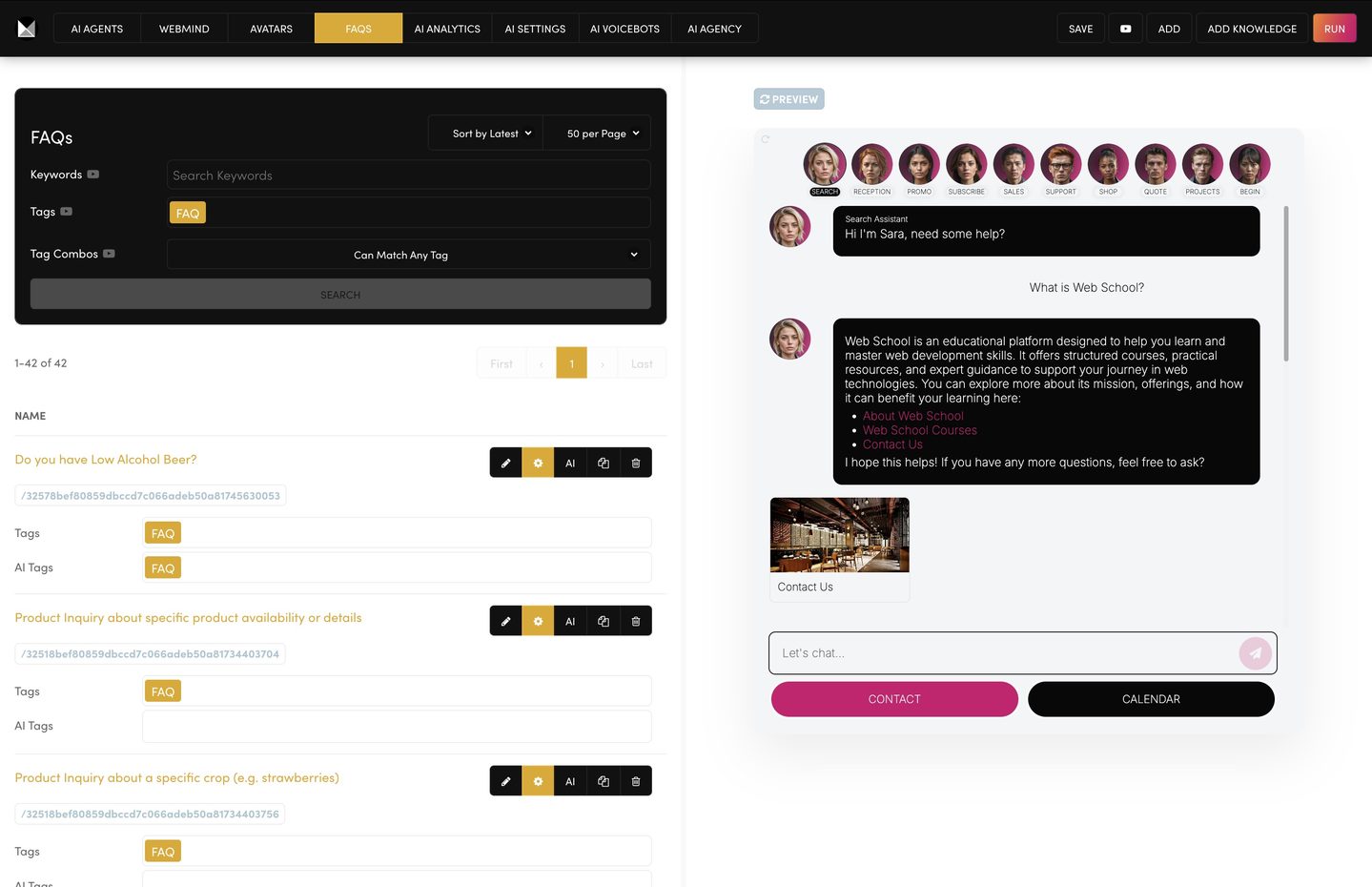
When you’re testing your Chatbot in beta and reviewing real customer feedback, your fastest win is to continually revise and iterate your Knowledge Base. FAQs let you add new answers instantly—while your team rewrites longer sections of content.
WHAT IT DOES
FAQs give you a quick “patch layer” for your Knowledge Base during testing. Instead of waiting for full-page rewrites or new documentation, you can add an FAQ entry immediately so your Chatbot starts answering better today.
Most importantly: during beta, putting FAQ first in your Knowledge Base priority sequence ensures your latest fixes are found first.
WHY FAQ FIRST DURING BETA
In beta, your content changes fast: new questions appear, edge cases pop up, and customers phrase things in unexpected ways.
If FAQ is Priority #1, your Chatbot will search your newest fixes first—before it pulls older wording from PAGE, FILE, BLOG, PRODUCT, or other Knowledge Bases. That means faster improvements, fewer repeated mistakes, and quicker learning from real customer feedback.
WHEN TO USE
Use this approach when:
- You’re actively testing a new Chatbot (beta / soft launch).
- You’re collecting feedback from customers or internal staff.
- Your Knowledge Base is being rewritten, expanded, or reorganised.
- You need to “fix answers fast” without touching long-form content yet.
TOP TIP
Treat FAQ as your priority-one Knowledge Base throughout beta. FAQs are your rapid response layer—then later your team can rewrite the deeper content (pages/files) properly once the patterns are clear.
HOW TO USE
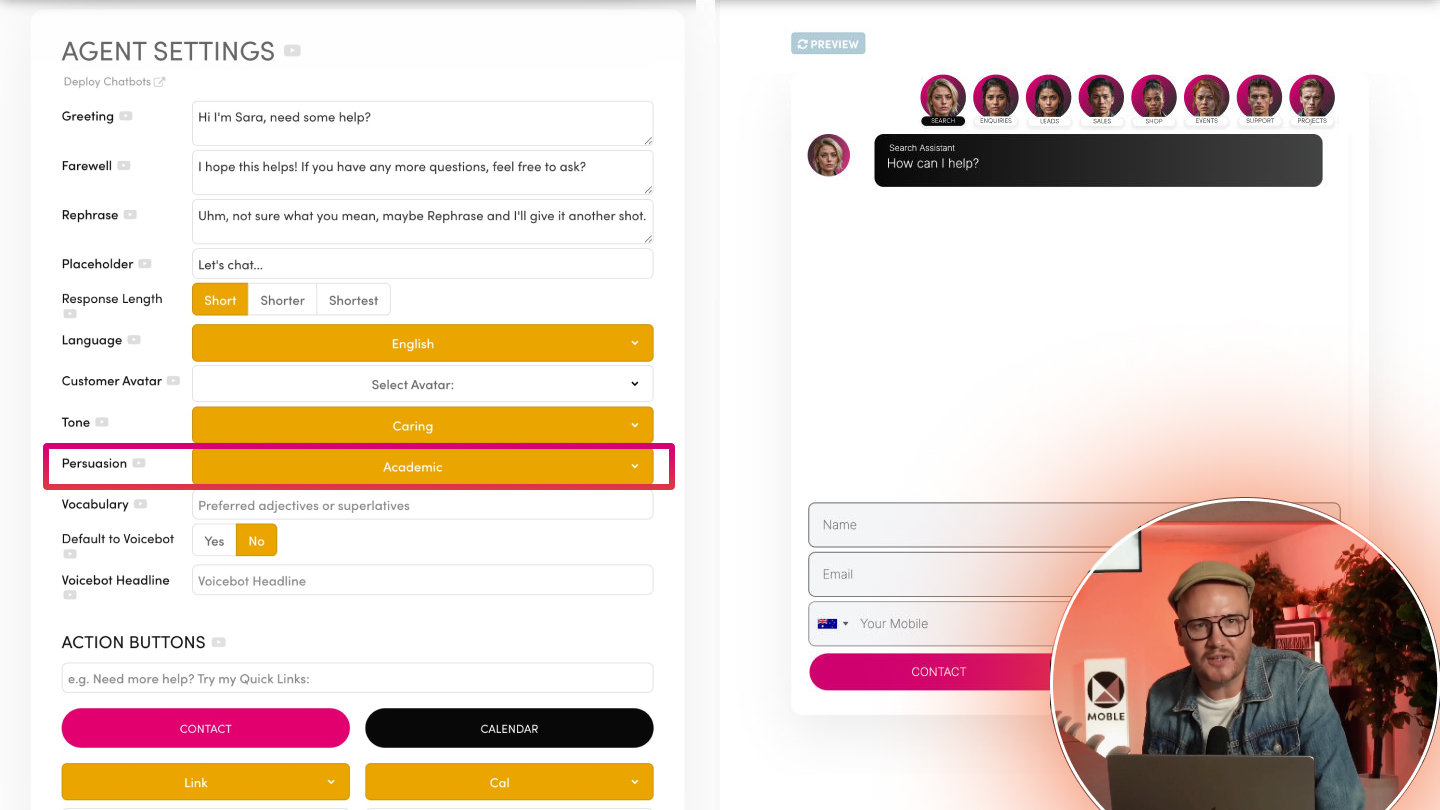
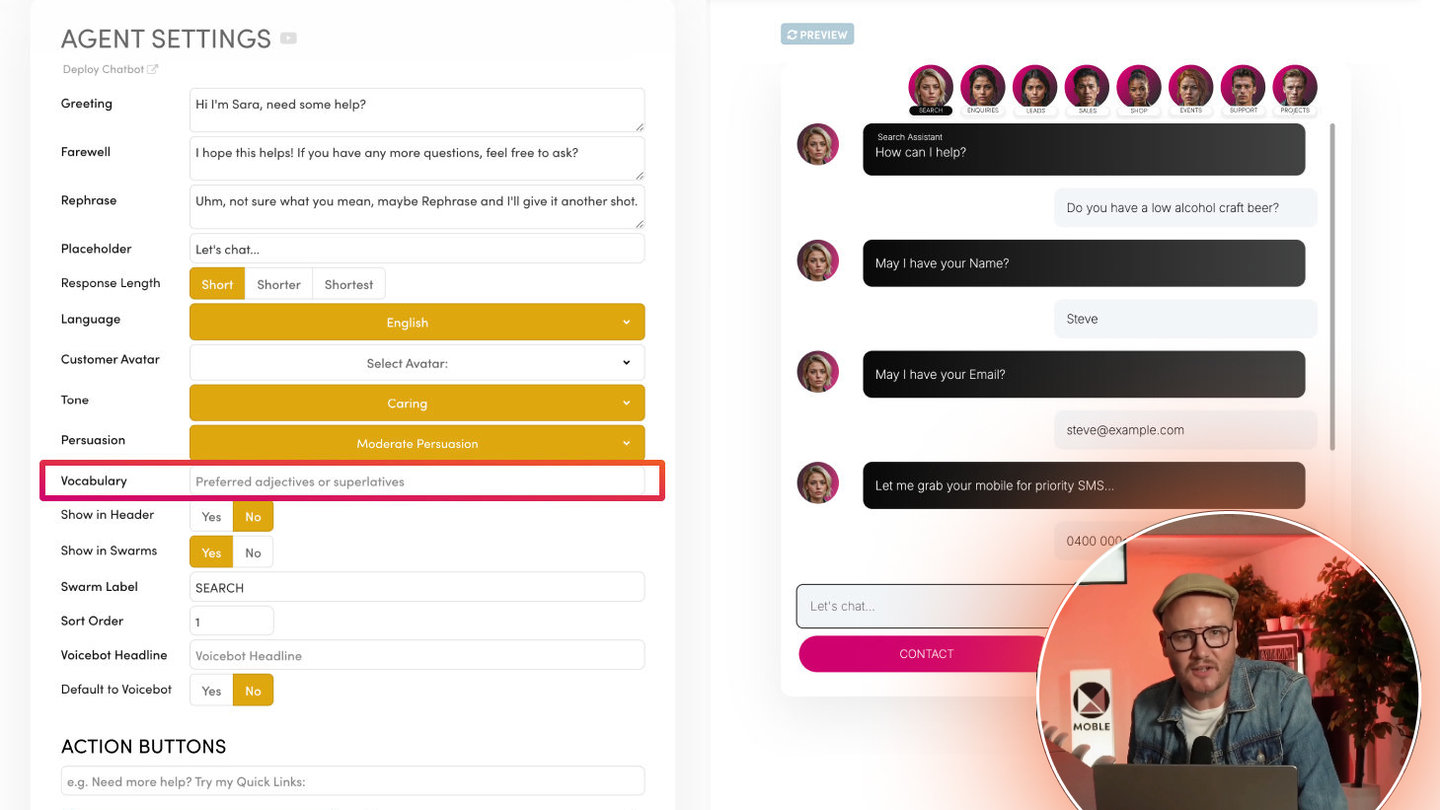
- Open AI Agent Settings
Go to your Chatbot (AI Agent) settings and find the Knowledge Bases selection. - Set your Knowledge Base Priority Sequence
Add your Knowledge Bases in order—starting with: FAQ → PAGE → PRODUCT → FILE → BLOG → VOICE (adjust for your use case) - Keep FAQ at the top during beta
This ensures new FAQ entries override older or conflicting content elsewhere. - Add new FAQ entries as feedback arrives
Whenever you spot a missed question or a poor answer, add an FAQ immediately with:
- The question in customer language
- A clear, short answer
- Any important constraints (pricing rules, service areas, exclusions, timeframes) - Save and retest
Re-run the same customer query and confirm the Chatbot now references the FAQ answer.
BEST PRACTICES
- Write FAQs in “real customer wording”
Use the phrases people actually type or say. This improves retrieval massively. - Keep answers short and specific
FAQs work best when they’re direct. If the answer becomes long, that’s a signal it belongs in PAGE/FILE later. - Promote recurring fixes into long-form content FAQs are your rapid patch.
Once the same topic repeats, rewrite your main Knowledge Base sections and keep the FAQ as the short version (or remove it if it becomes redundant). - Review weekly during beta
Pick a cadence (daily in heavy testing, weekly in steady testing) and keep iterating—FAQ first, always.
RELATED HELP

Play before you Pay?
GETTING AROUND
SUPPORT
AI SALES LINE
AI SUPPORT LINE
ENQUIRIES
team@moble.com.au
GET A QUOTE
A Web Builder for Design. A CMS for Business. We serve all businesses from SME's to Enterprise. Talk with us for AI development, custom website design, website development, ecommerce websites, directories, intranets and social networks.
PRIVACY | WEBSITE TERMS | PLATFORM TERMS | © 2026 MOBLE PTY LTD