
PICK YOUR AI THEME TO GET STARTED

SMS FROM YOUR OWN NUMBER
Twilio lets your website send SMS alerts from your own phone number — for example when a new lead arrives or a ticket is escalated. Your AI Voicebot uses the same number for calls.
SET UP TWILIO
- Sign up at twilio.com.
- Copy your Account SID and Auth Token from the Twilio console.
- Buy a phone number in Twilio.
ADD IT TO MOBLE
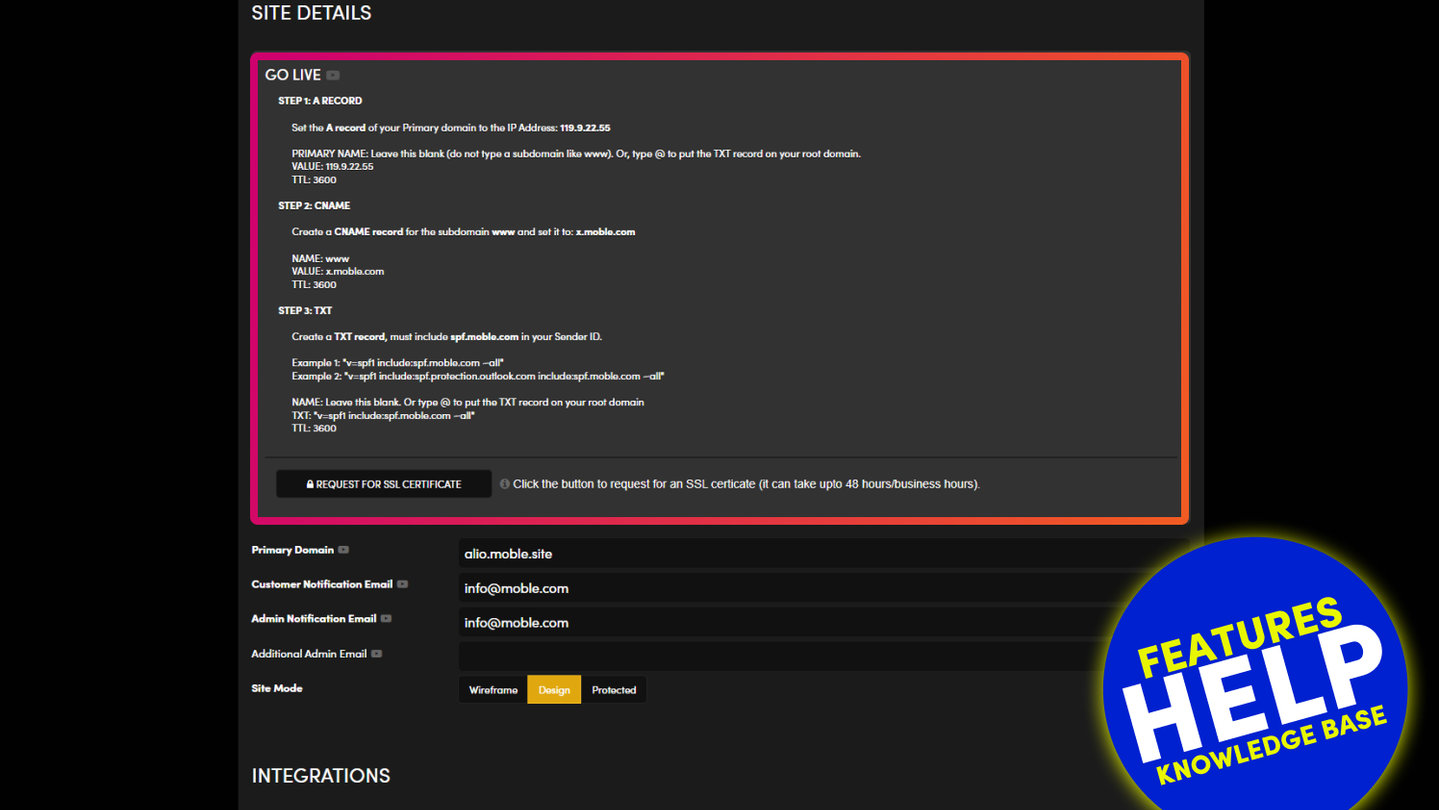
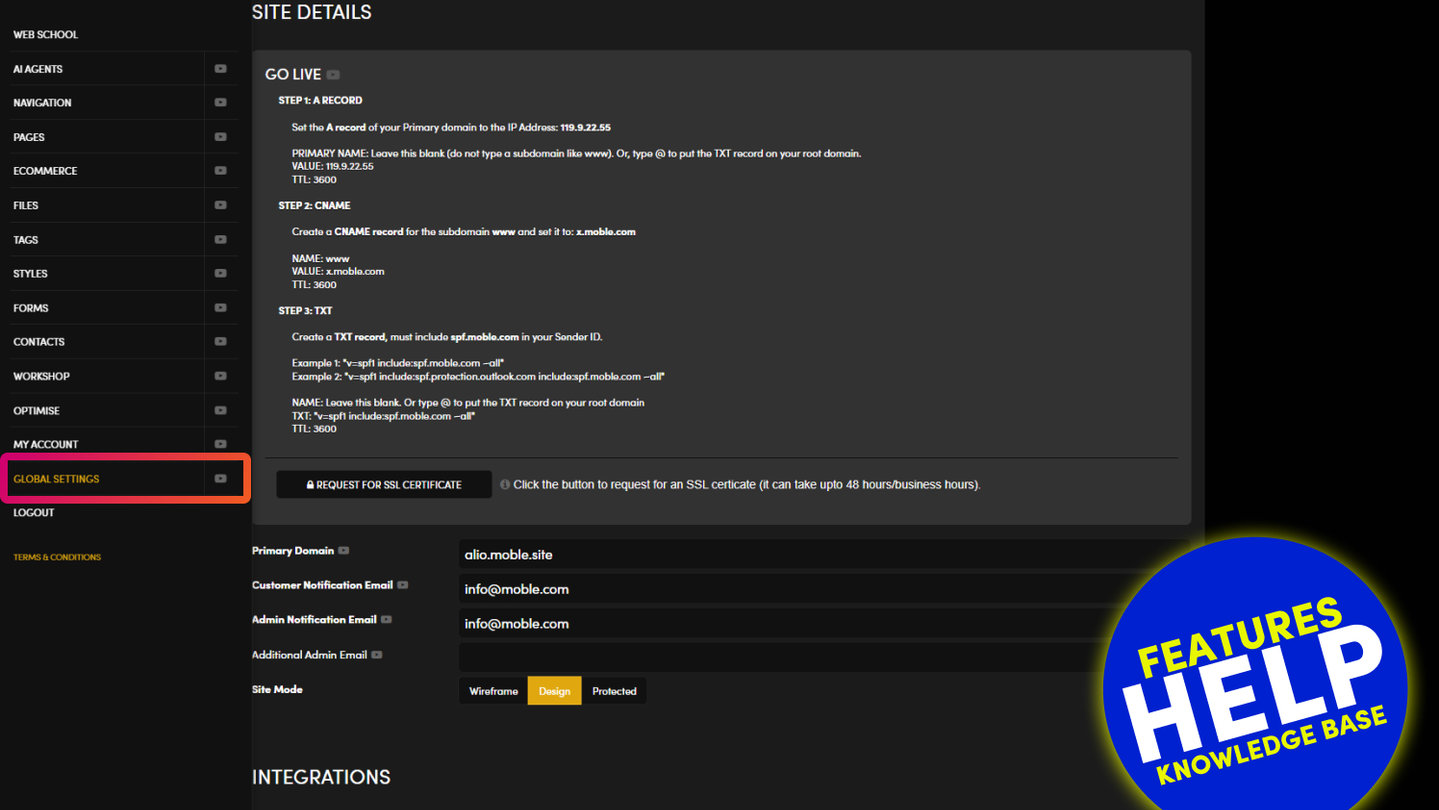
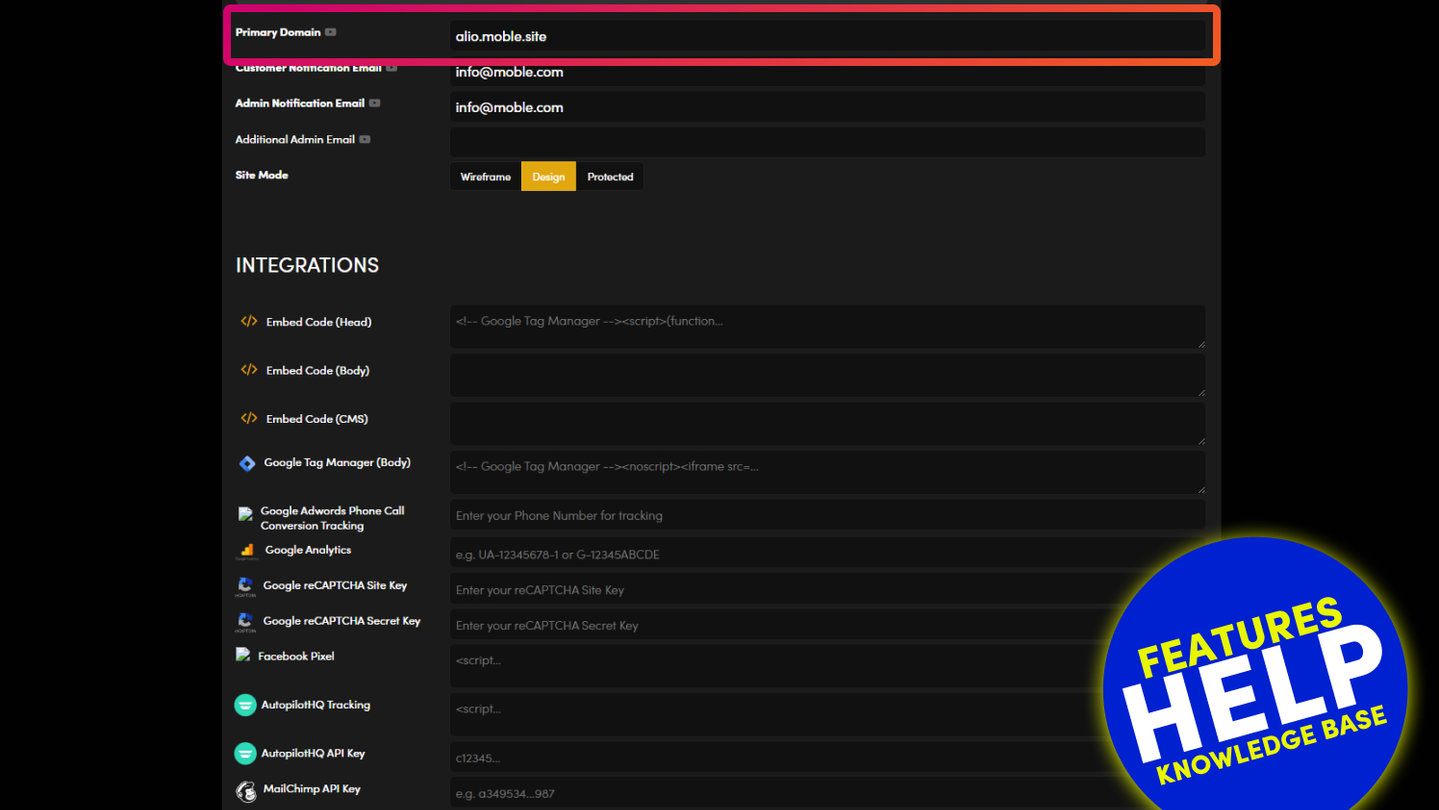
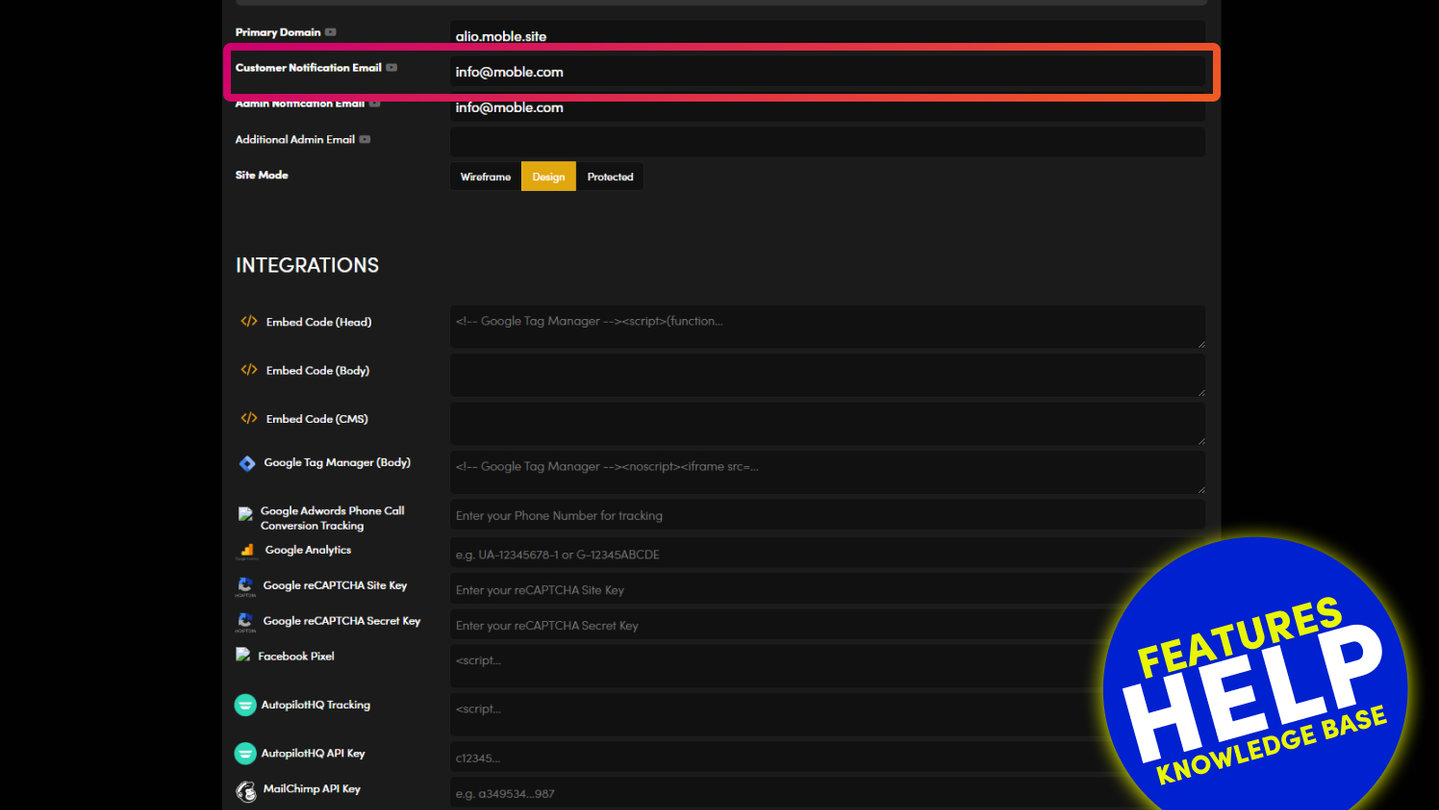
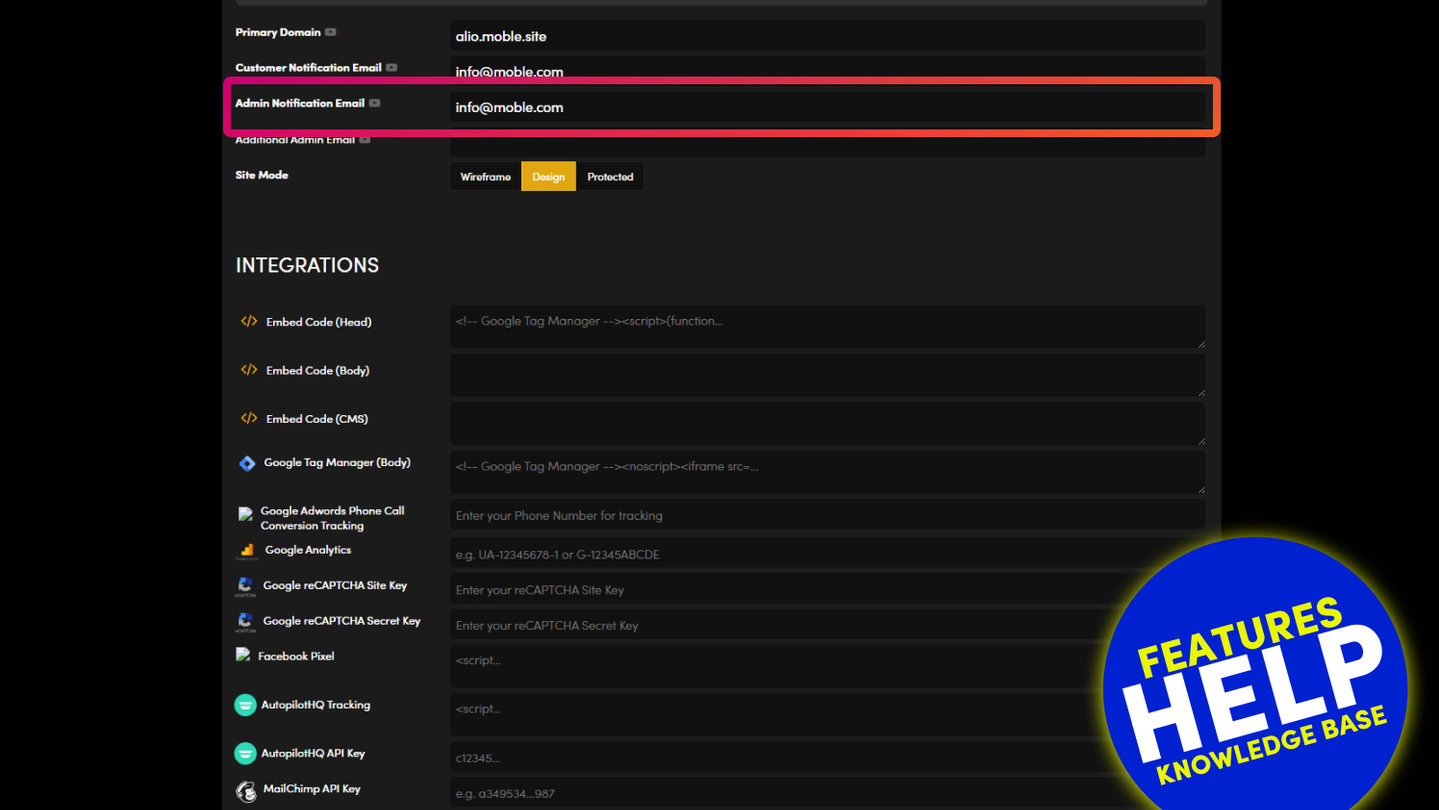
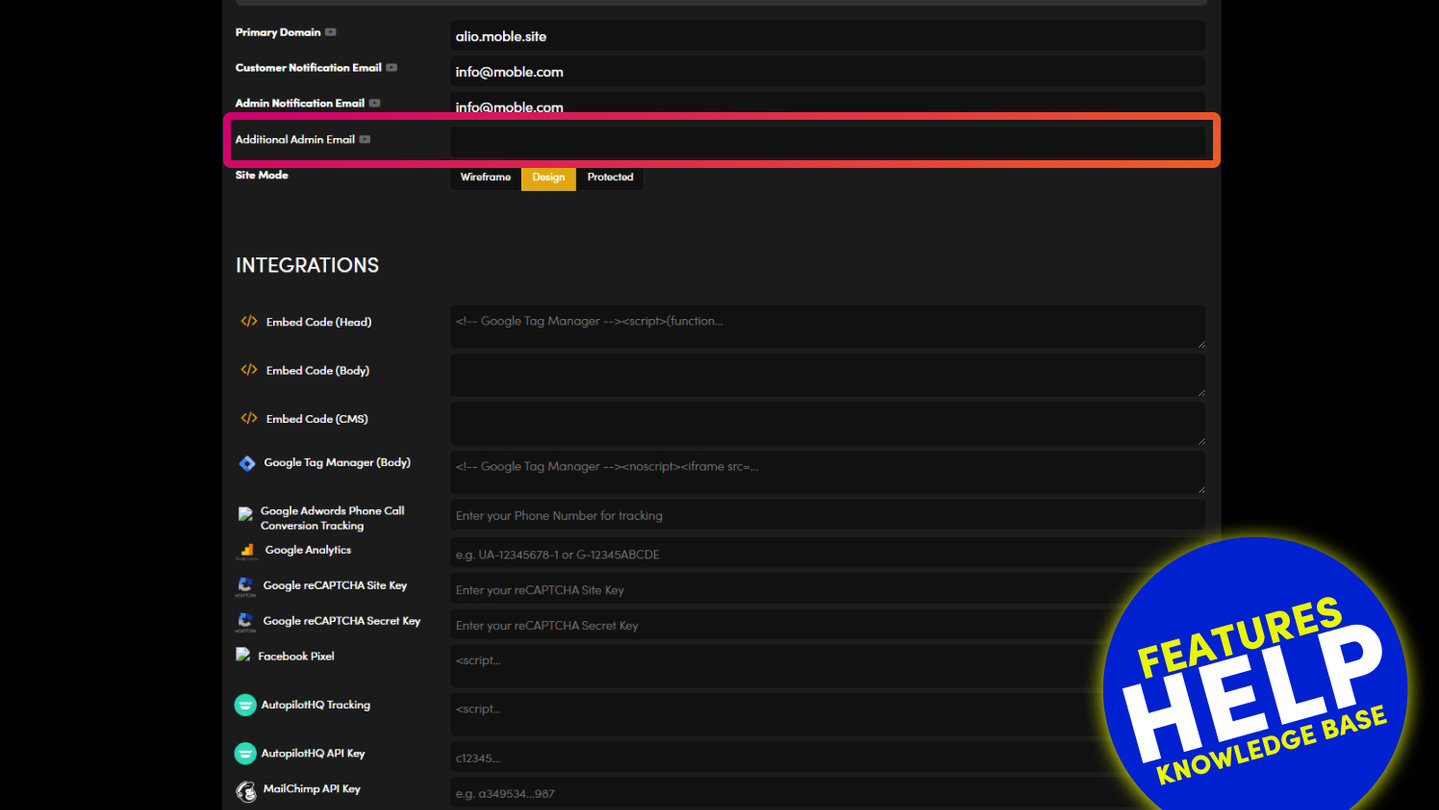
- Go to Global Settings and scroll to INTEGRATIONS.
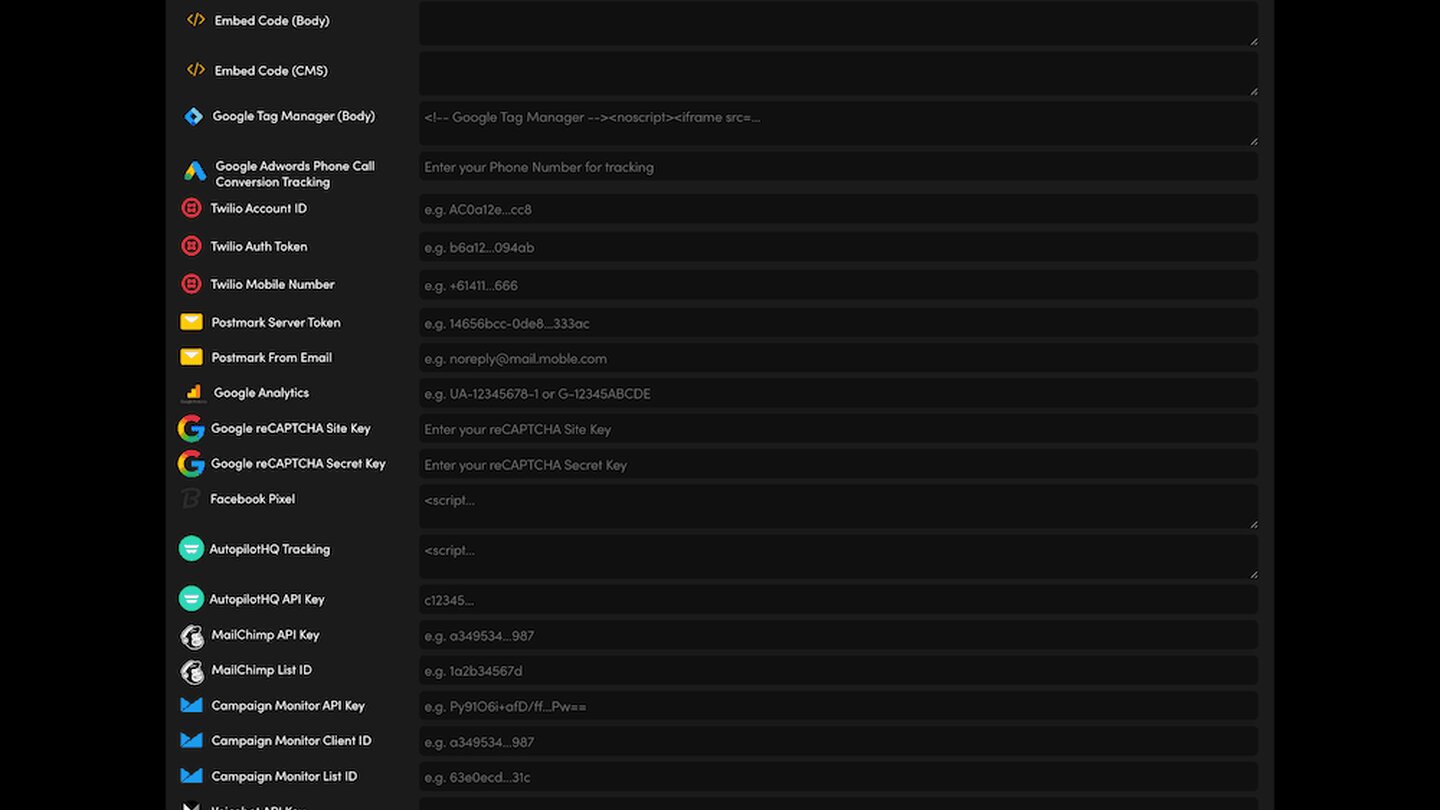
- Fill in Twilio Account ID (your Account SID), Twilio Auth Token and Twilio Mobile Number.
Press SAVE at the top right. Nothing on the screen is kept until you do.
The same three fields also appear on your AI Integrations screen. They are one setting shown on both screens, so fill them in once.
TEST IT
Set up an SMS alert in Automations, then submit a test enquiry and check the SMS arrives.
Keep your Auth Token private: never paste it in an email or a chat.
RELATED HELP

Play before you Pay?
GETTING AROUND
SUPPORT
AI SALES LINE
AI SUPPORT LINE
ENQUIRIES
team@moble.com.au
GET A QUOTE
A Web Builder for Design. A CMS for Business. We serve all businesses from SME's to Enterprise. Talk with us for AI development, custom website design, website development, ecommerce websites, directories, intranets and social networks.
PRIVACY | WEBSITE TERMS | PLATFORM TERMS | © 2026 MOBLE PTY LTD