
PICK YOUR AI THEME TO GET STARTED

TIMEZONE
The Timezone tells your website what time it is where your business is. Your automations use it, so reminders and follow-ups go out at the right time of day.
HOW TO SET IT
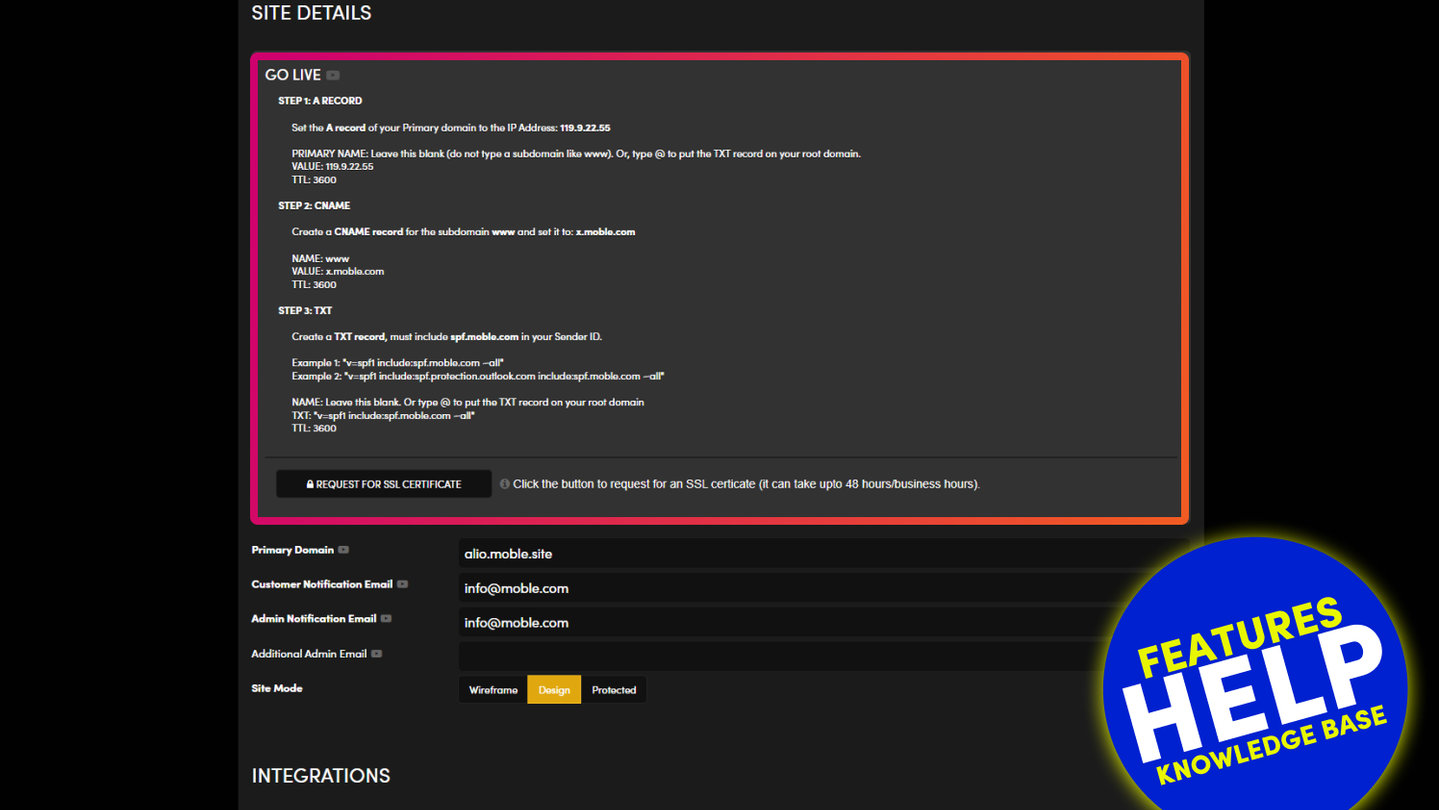
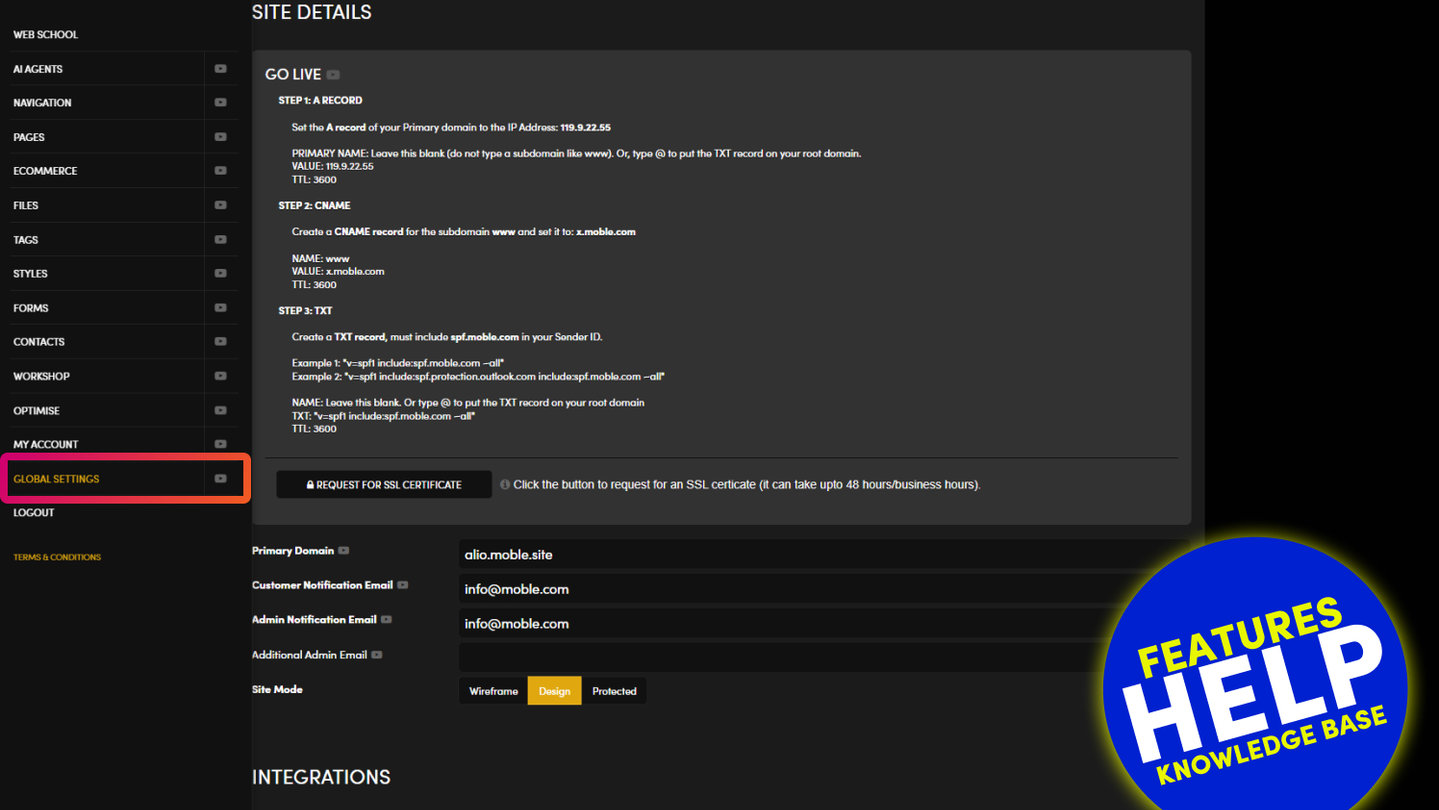
- Go to Global Settings.
- In SITE DETAILS, open the Timezone dropdown and choose your city (for example Australia/Sydney).
Press SAVE at the top right. Nothing on the screen is kept until you do.
WHAT IT CHANGES
Automations that wait before sending — for example a follow-up email "after 3 days at 10:00" — use this timezone, so 10:00 means 10:00 where you are.
RELATED HELP

Play before you Pay?
GETTING AROUND
SUPPORT
AI SALES LINE
AI SUPPORT LINE
ENQUIRIES
team@moble.com.au
GET A QUOTE
A Web Builder for Design. A CMS for Business. We serve all businesses from SME's to Enterprise. Talk with us for AI development, custom website design, website development, ecommerce websites, directories, intranets and social networks.
PRIVACY | WEBSITE TERMS | PLATFORM TERMS | © 2026 MOBLE PTY LTD