
PICK YOUR AI THEME TO GET STARTED

FORM SMS NOTIFICATION
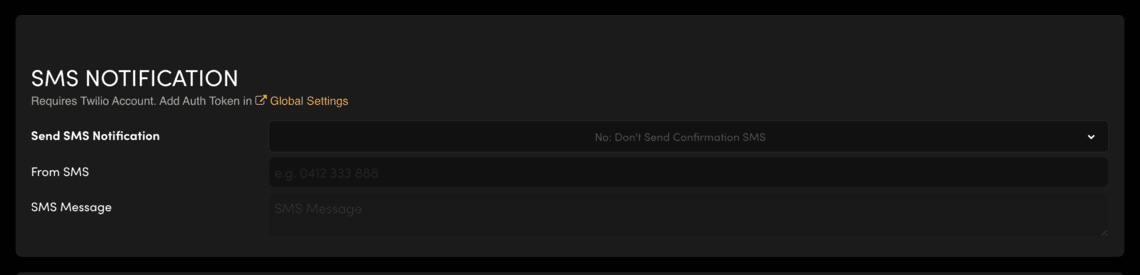
'SMS Notification' sends a confirmation text message when someone submits your form. It needs a Twilio account.
In your form's settings, scroll to SMS NOTIFICATION.
- Send SMS Notification: choose to send the confirmation SMS.
- From SMS: the number the text comes from.
- SMS Message: the words of the text.
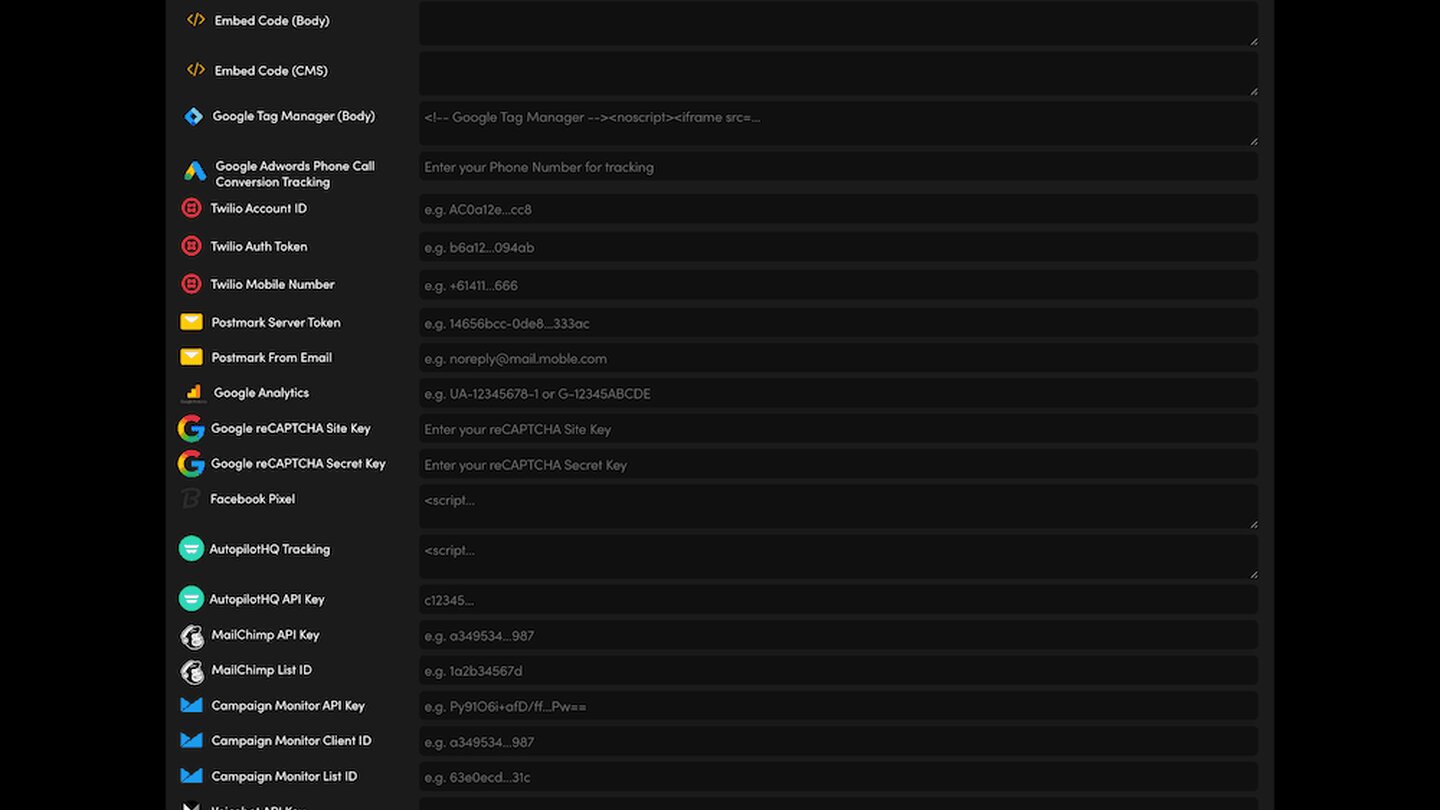
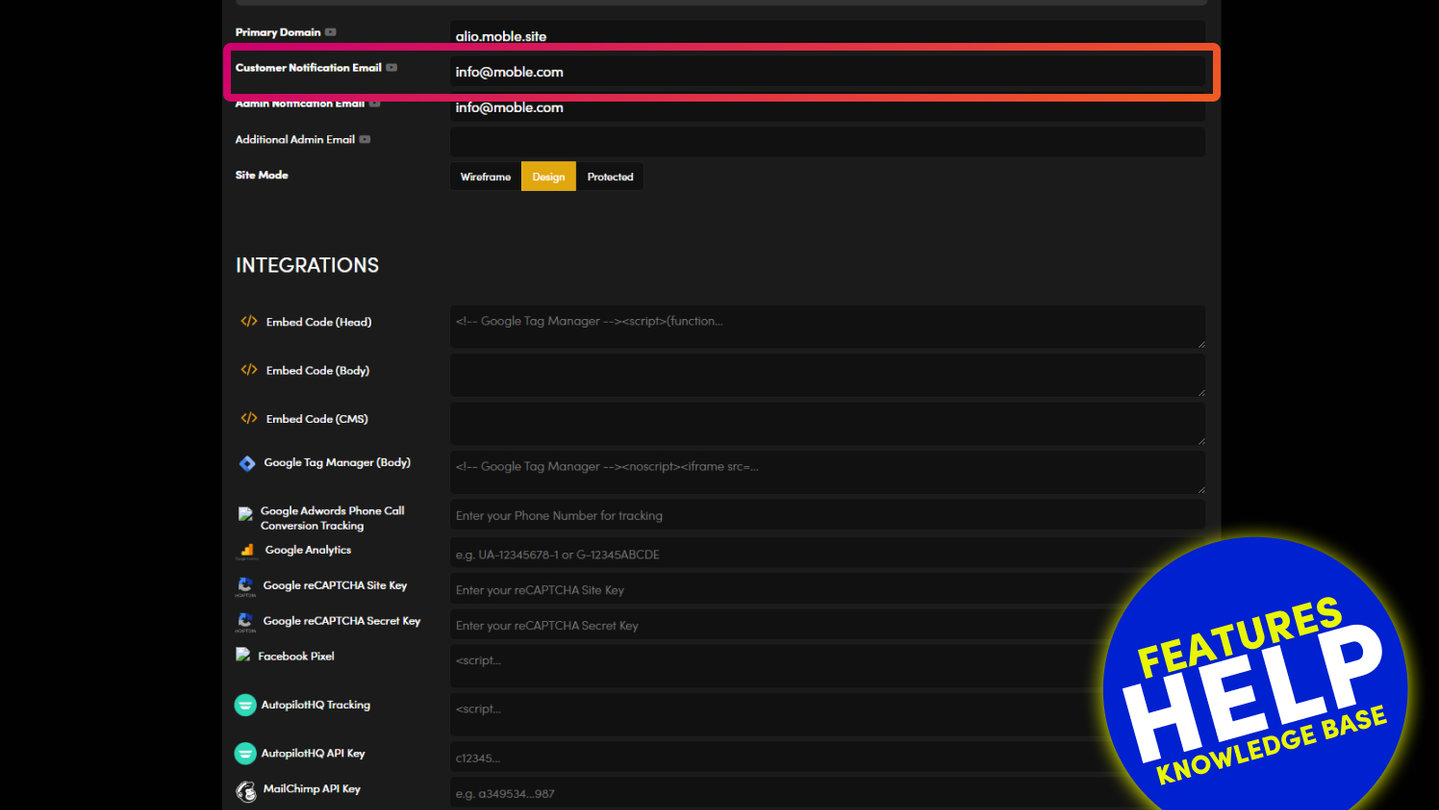
SMS needs a Twilio account. Add your Twilio Auth Token in Global Settings first (the link is under the SMS NOTIFICATION heading). Without it, no text is sent.
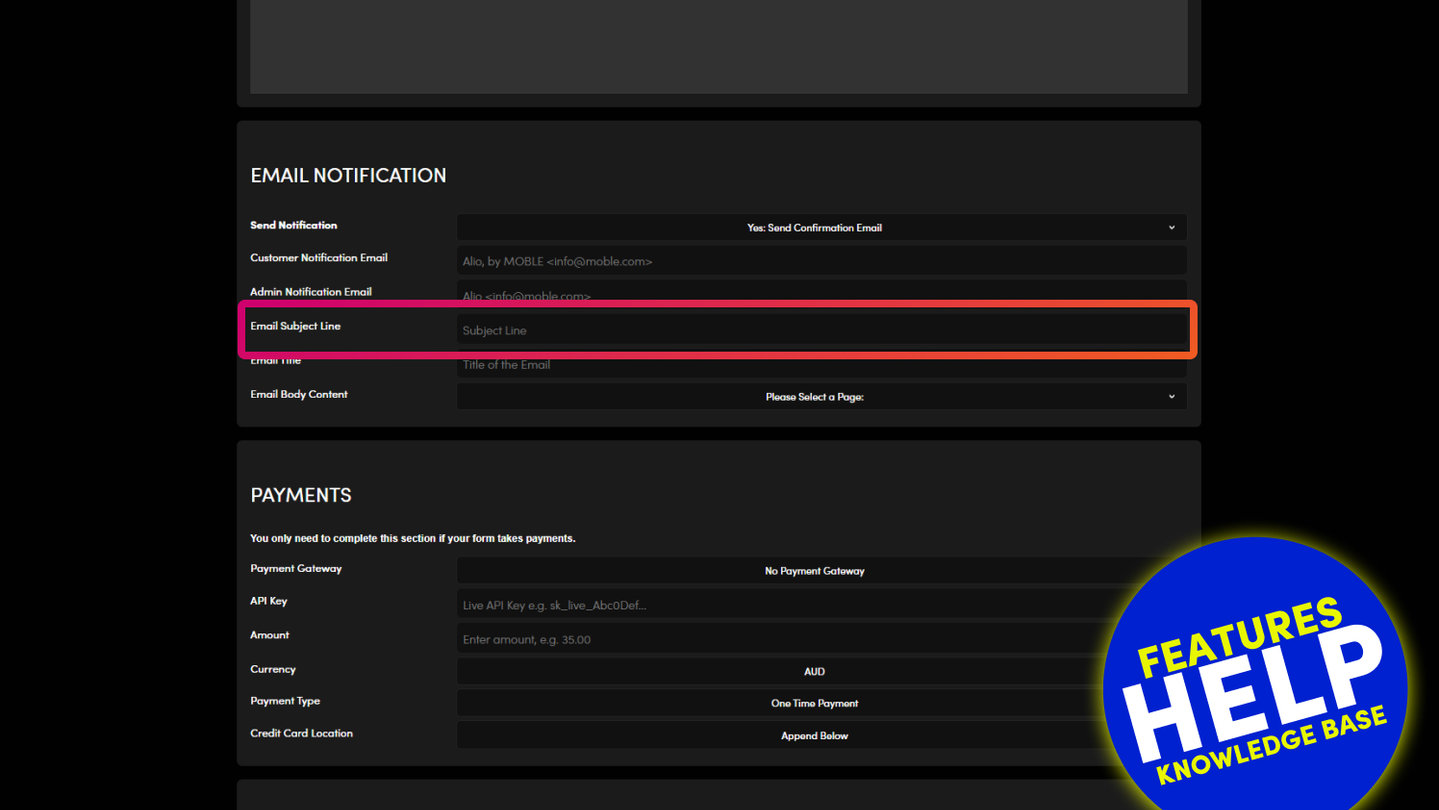
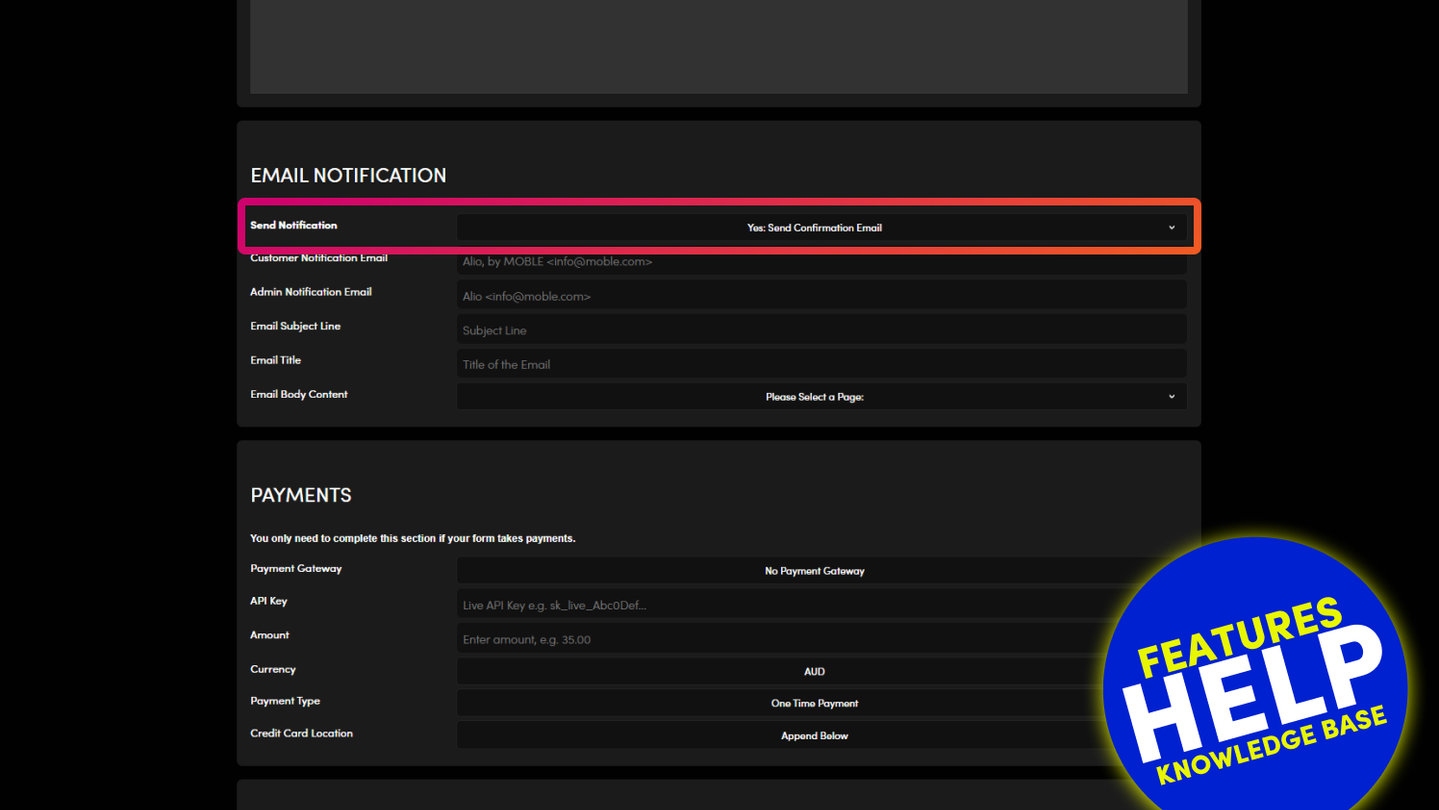
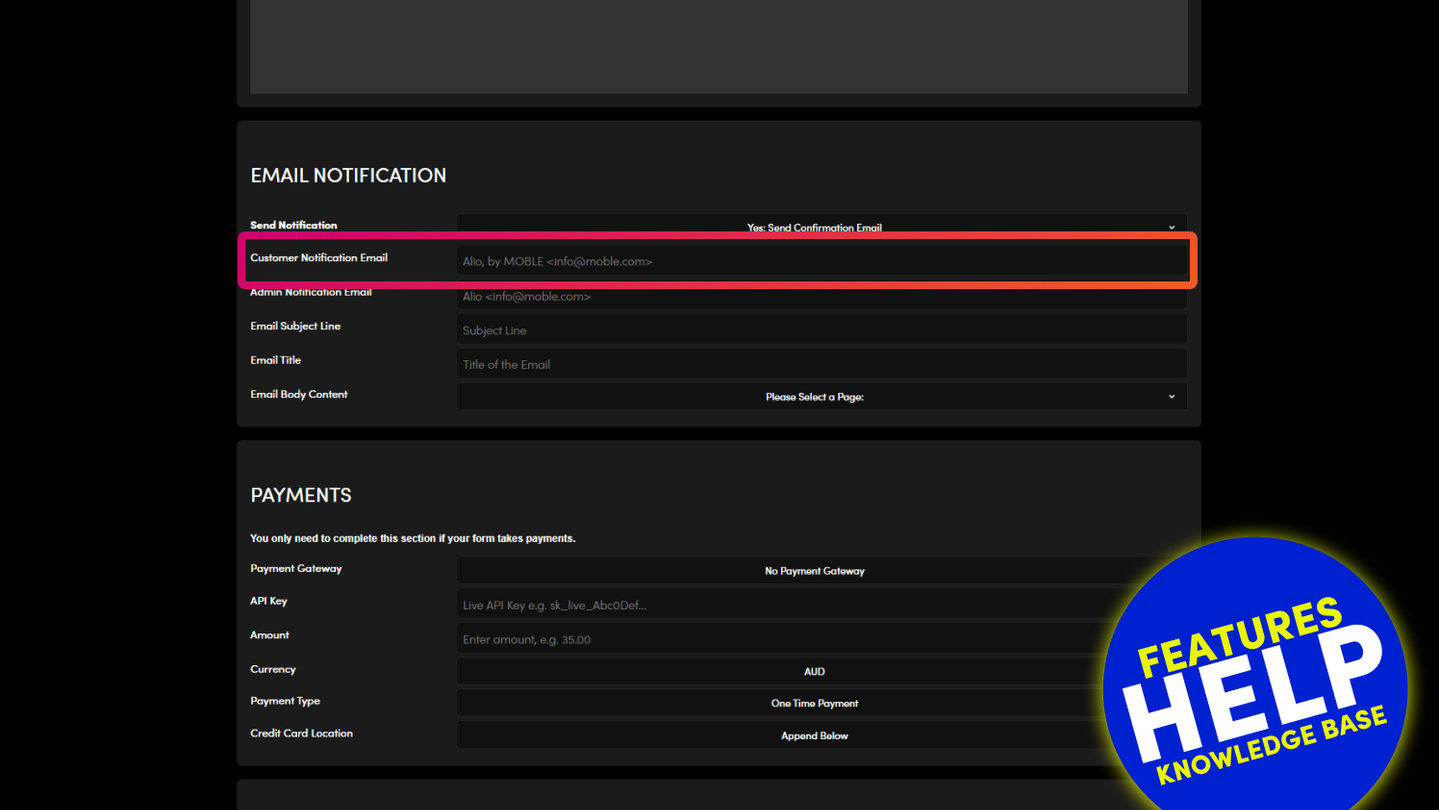
Press SAVE & EXIT and send a test entry with your own mobile number. For an email confirmation instead, use Send Notification in EMAIL NOTIFICATION.
RELATED HELP
Play before you Pay?
GETTING AROUND
SUPPORT
AI SALES LINE
AI SUPPORT LINE
ENQUIRIES
team@moble.com.au
GET A QUOTE
A Web Builder for Design. A CMS for Business. We serve all businesses from SME's to Enterprise. Talk with us for AI development, custom website design, website development, ecommerce websites, directories, intranets and social networks.
PRIVACY | WEBSITE TERMS | PLATFORM TERMS | © 2026 MOBLE PTY LTD