
PICK YOUR AI THEME TO GET STARTED

MEMBER SUBSCRIBE
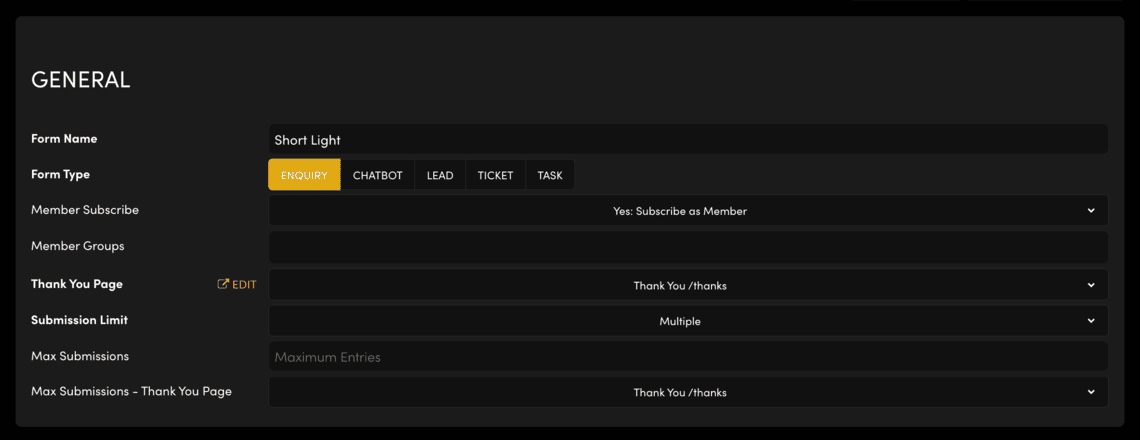
'Member Subscribe' saves each person who fills in the form as a member, as well as sending the entry to the form's board.
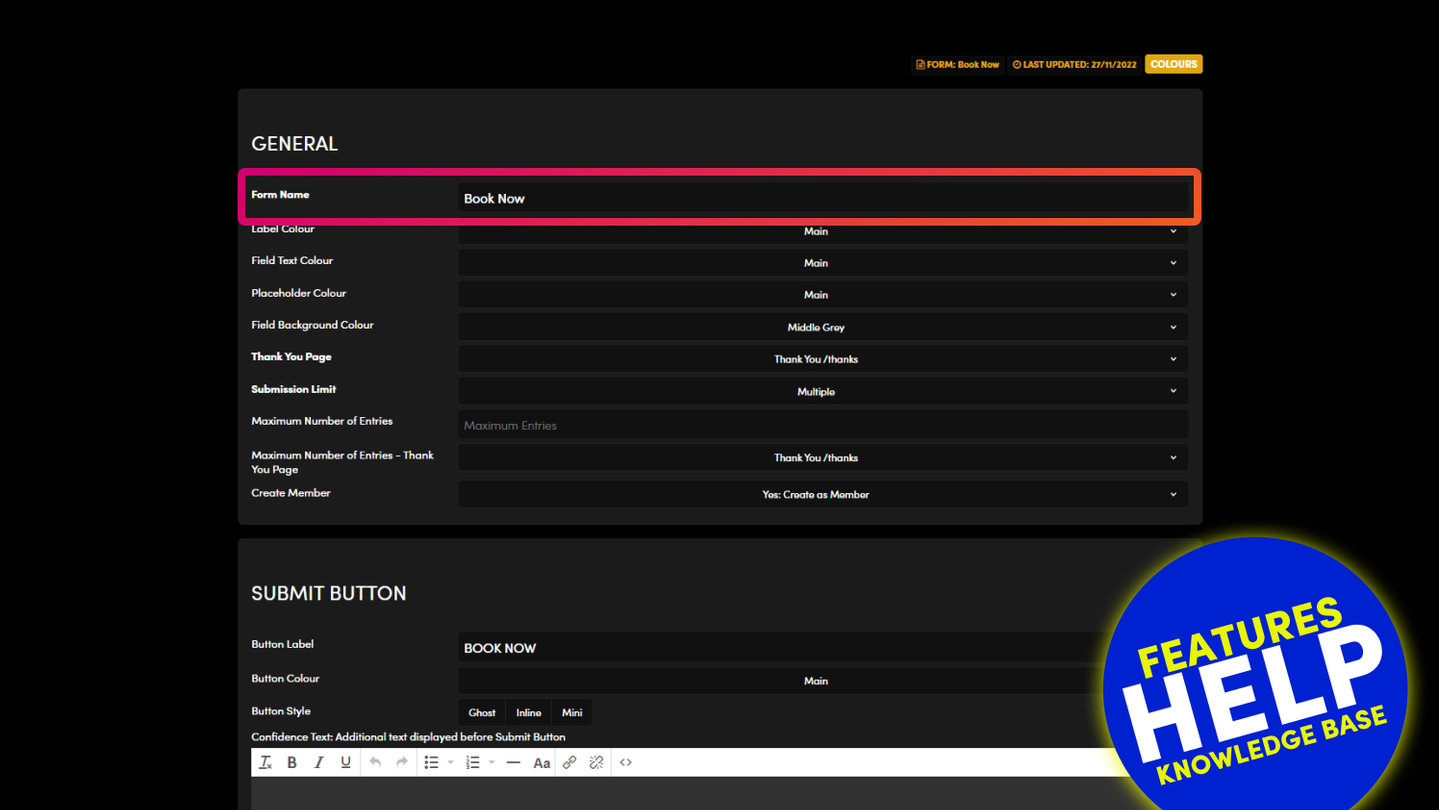
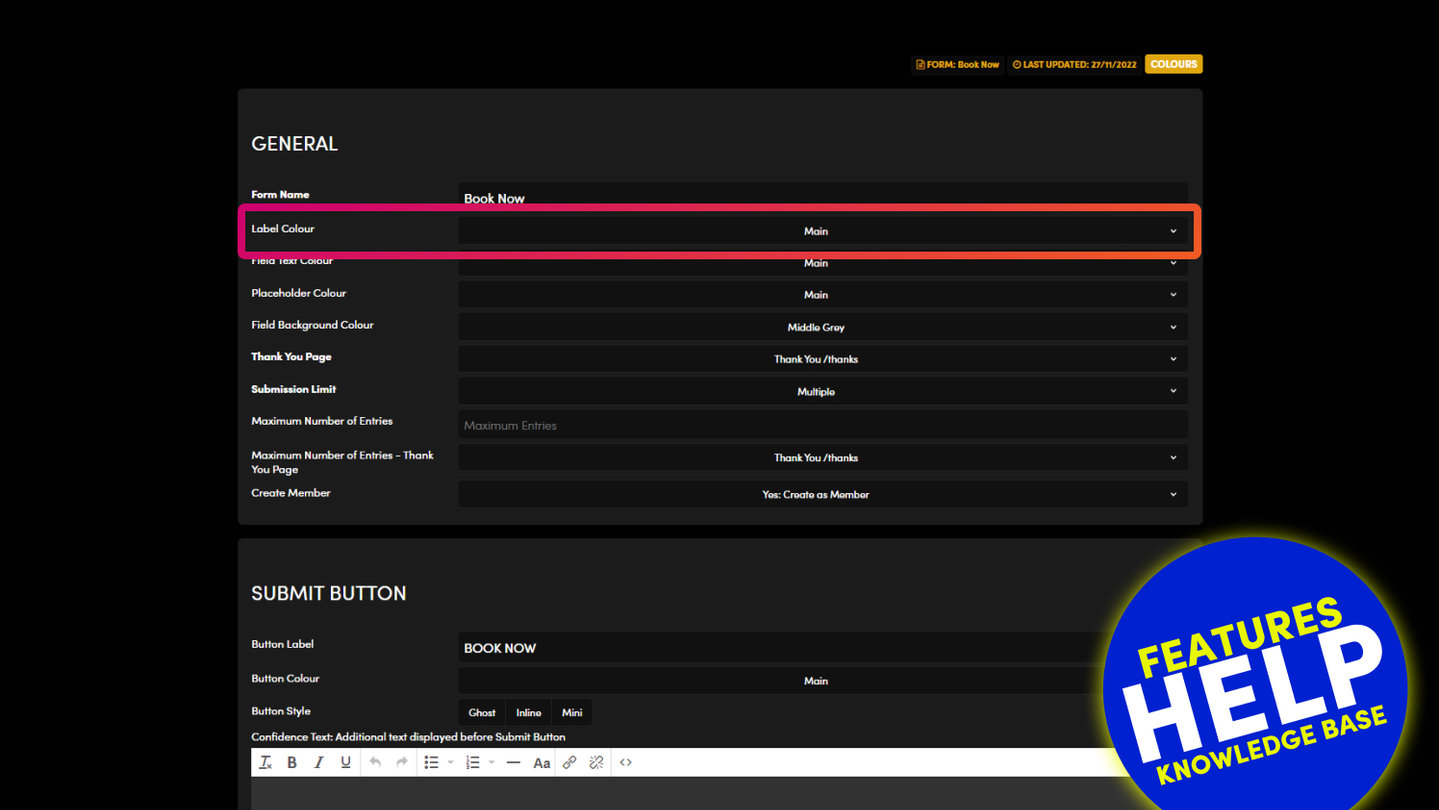
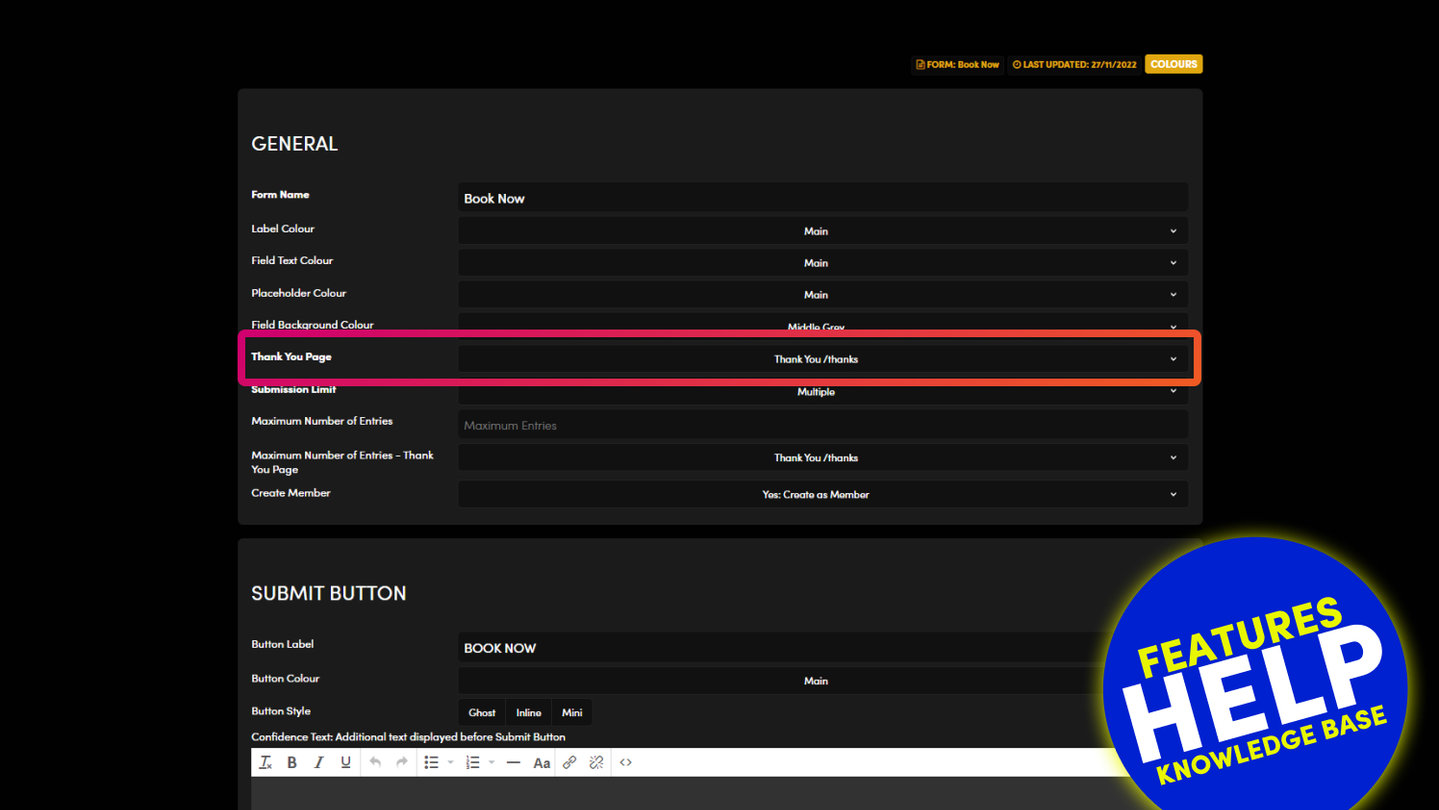
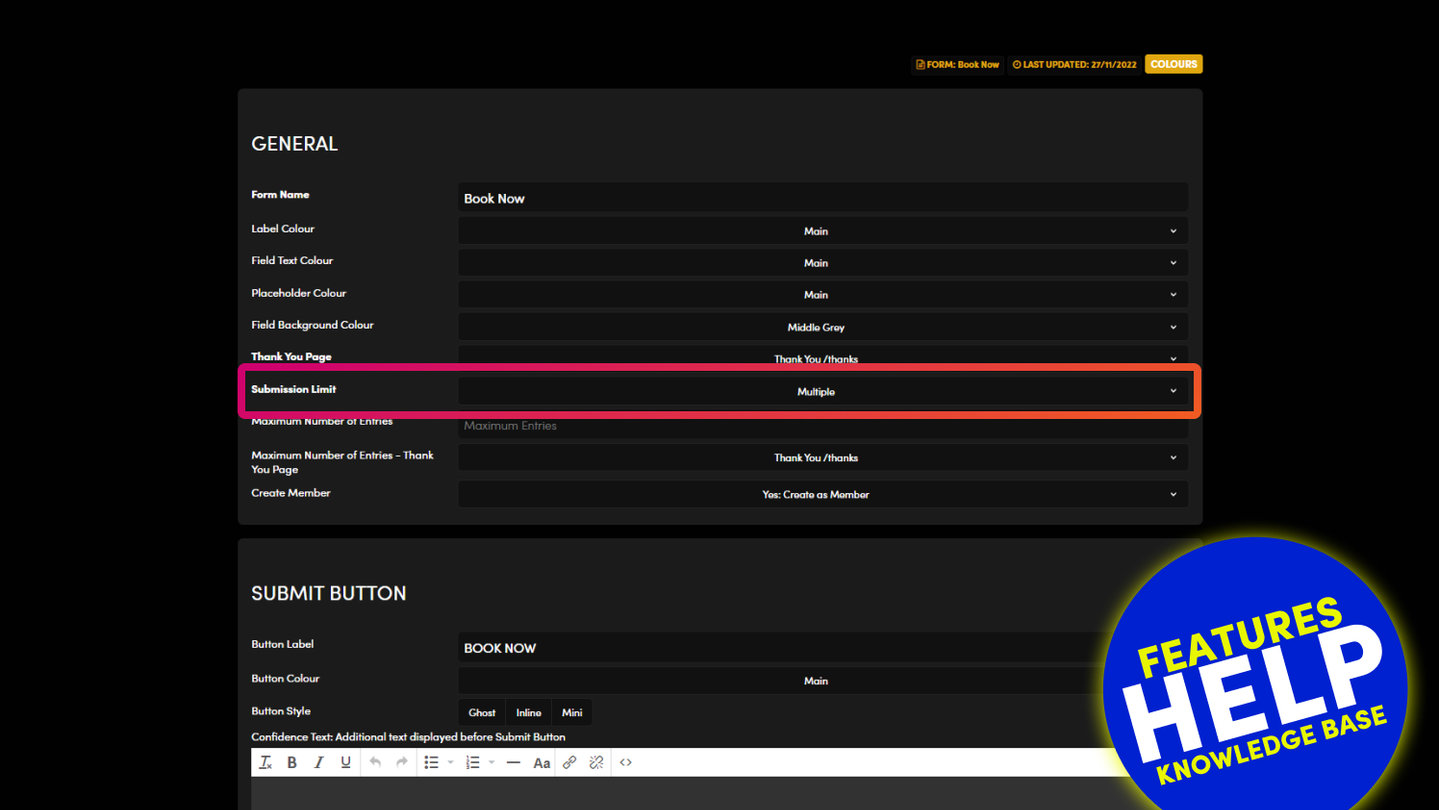
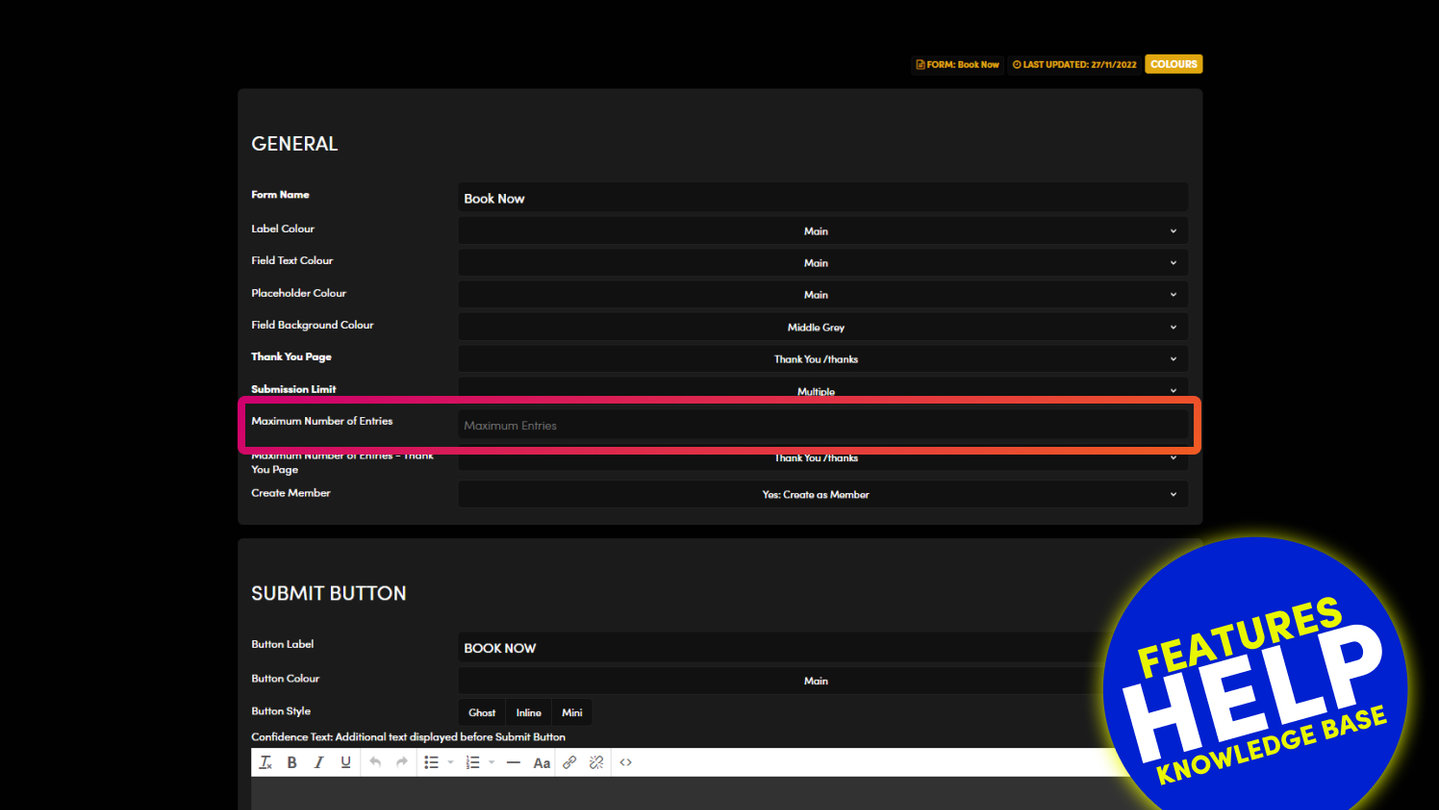
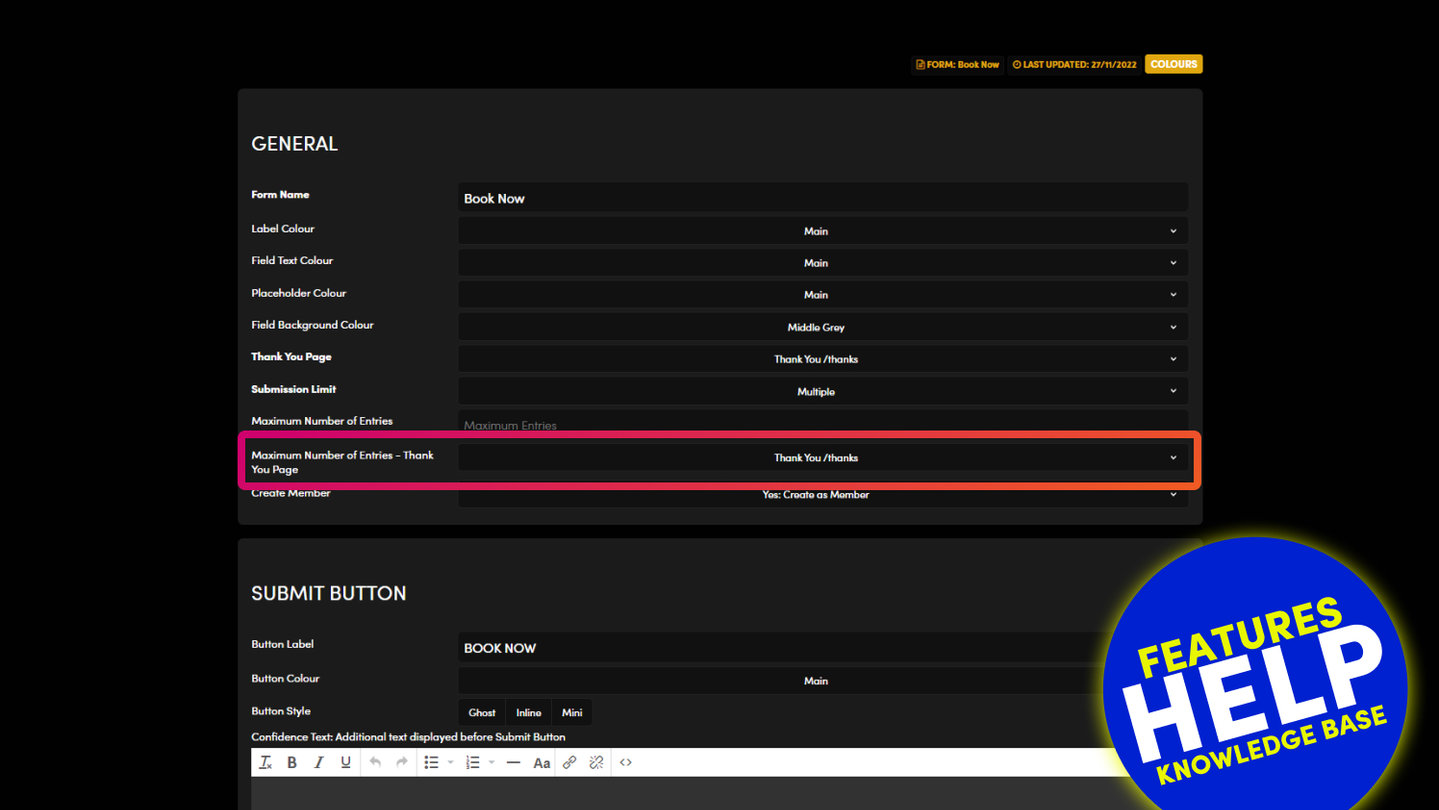
In your form's settings, GENERAL › Member Subscribe has the option Yes: Subscribe as Member. Choose it to save every person who submits the form as a member.
Member Groups, just below, names the group or groups those members join. Member Groups decide who can see members-only pages (Page Settings › Member Group).
Choose the other option if you only want the entry and not a member.
Press SAVE & EXIT, send a test entry, and check that the person appears in your Members list.
RELATED HELP
Play before you Pay?
GETTING AROUND
SUPPORT
AI SALES LINE
AI SUPPORT LINE
ENQUIRIES
team@moble.com.au
GET A QUOTE
A Web Builder for Design. A CMS for Business. We serve all businesses from SME's to Enterprise. Talk with us for AI development, custom website design, website development, ecommerce websites, directories, intranets and social networks.
PRIVACY | WEBSITE TERMS | PLATFORM TERMS | © 2026 MOBLE PTY LTD