
PICK YOUR AI THEME TO GET STARTED

FORM TYPE
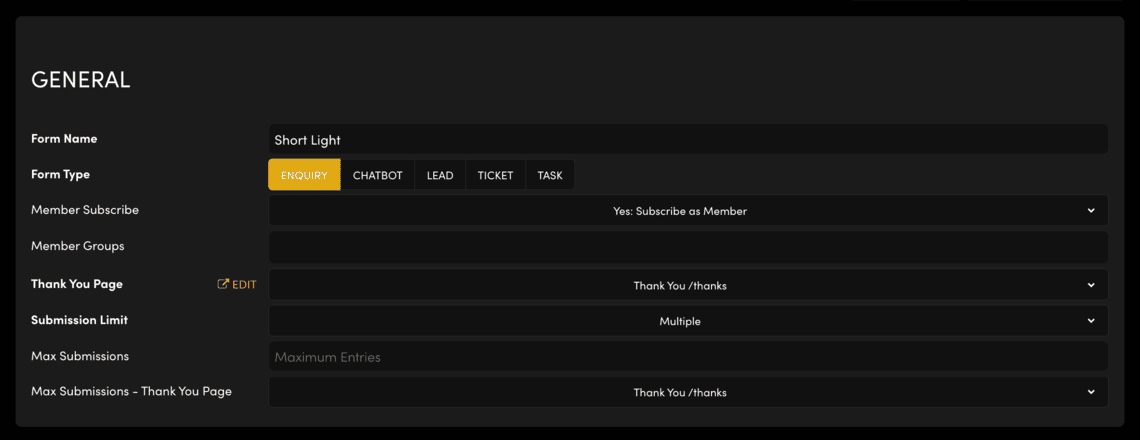
'Form Type' decides which board each new form entry lands on: Enquiries, Leads, Tickets, Tasks or the chatbot.
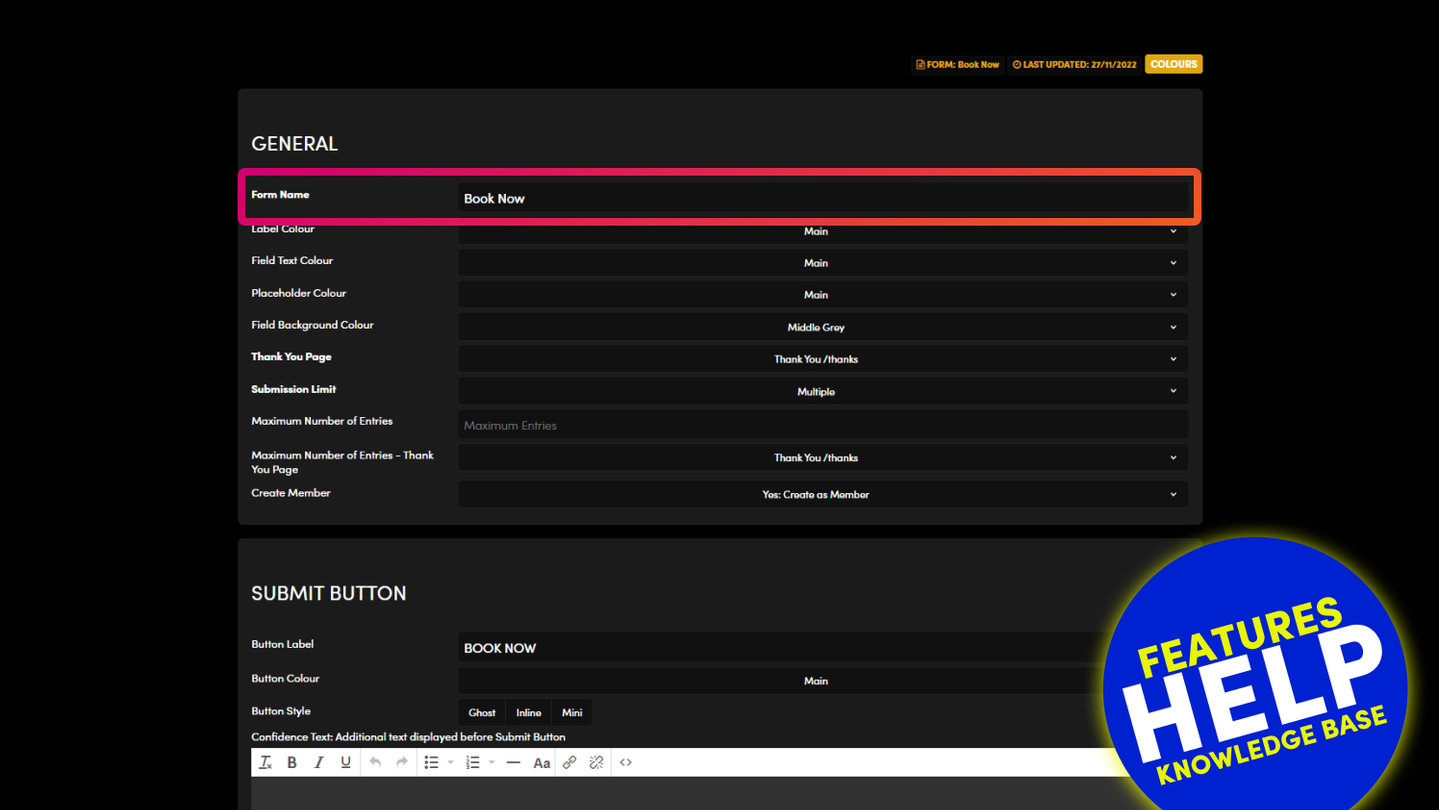
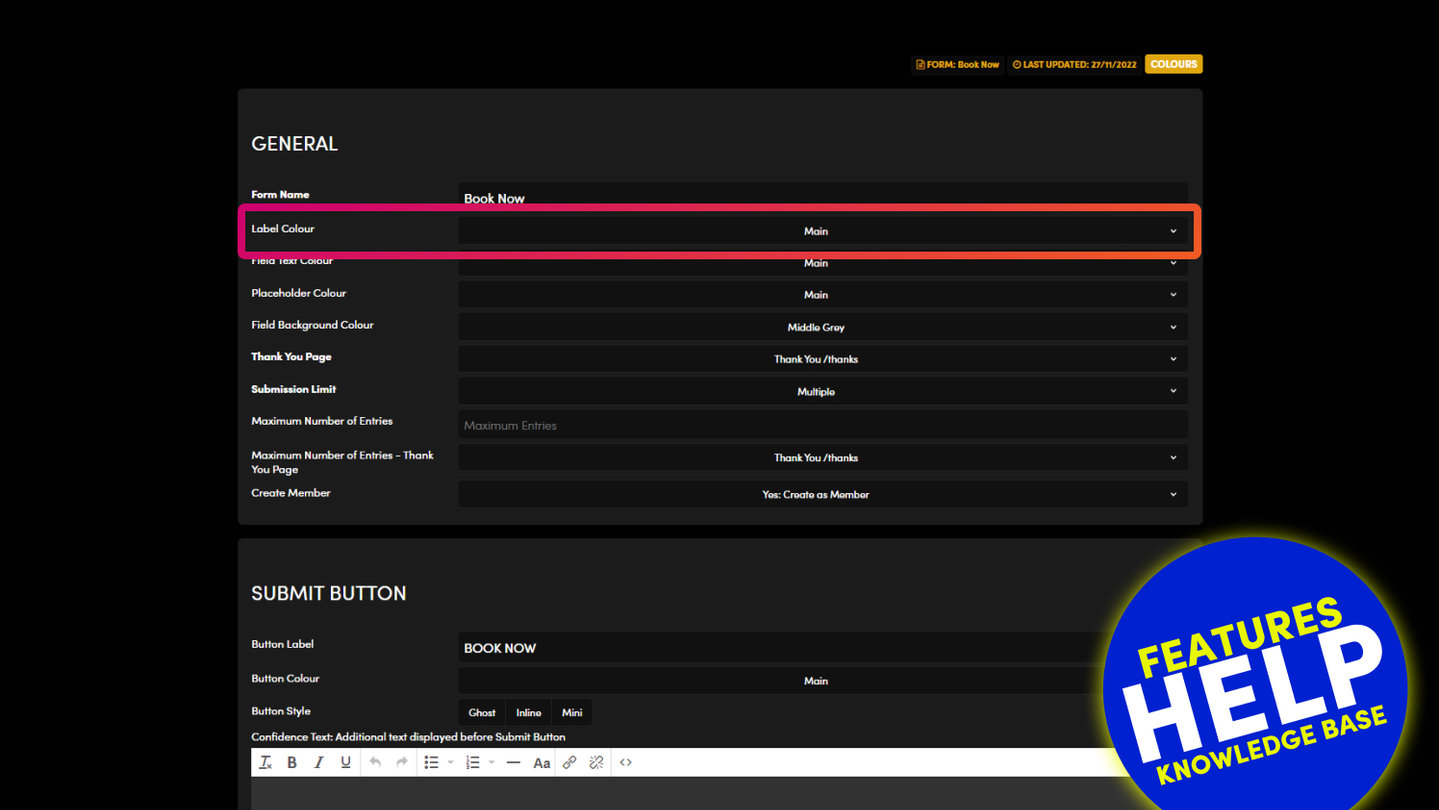
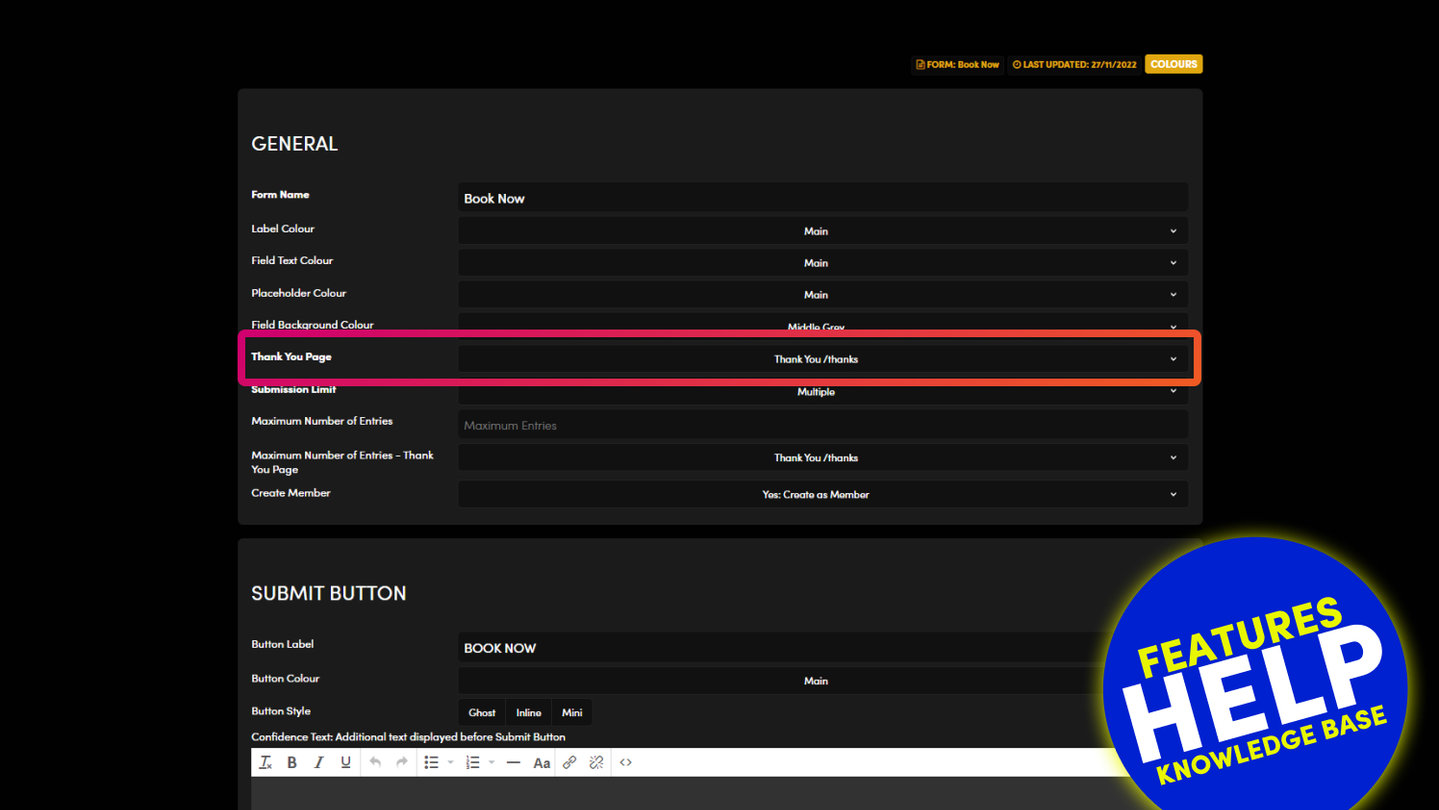
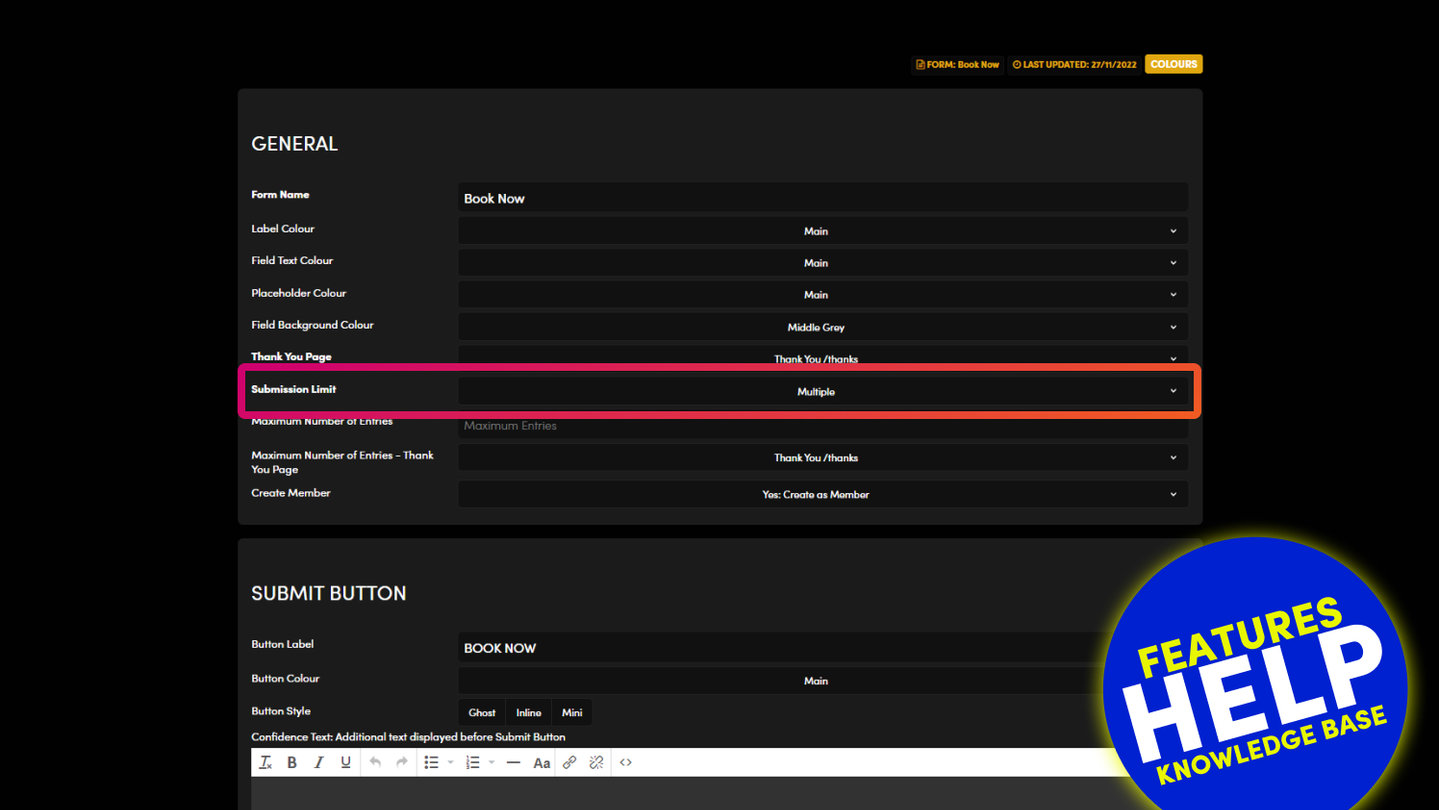
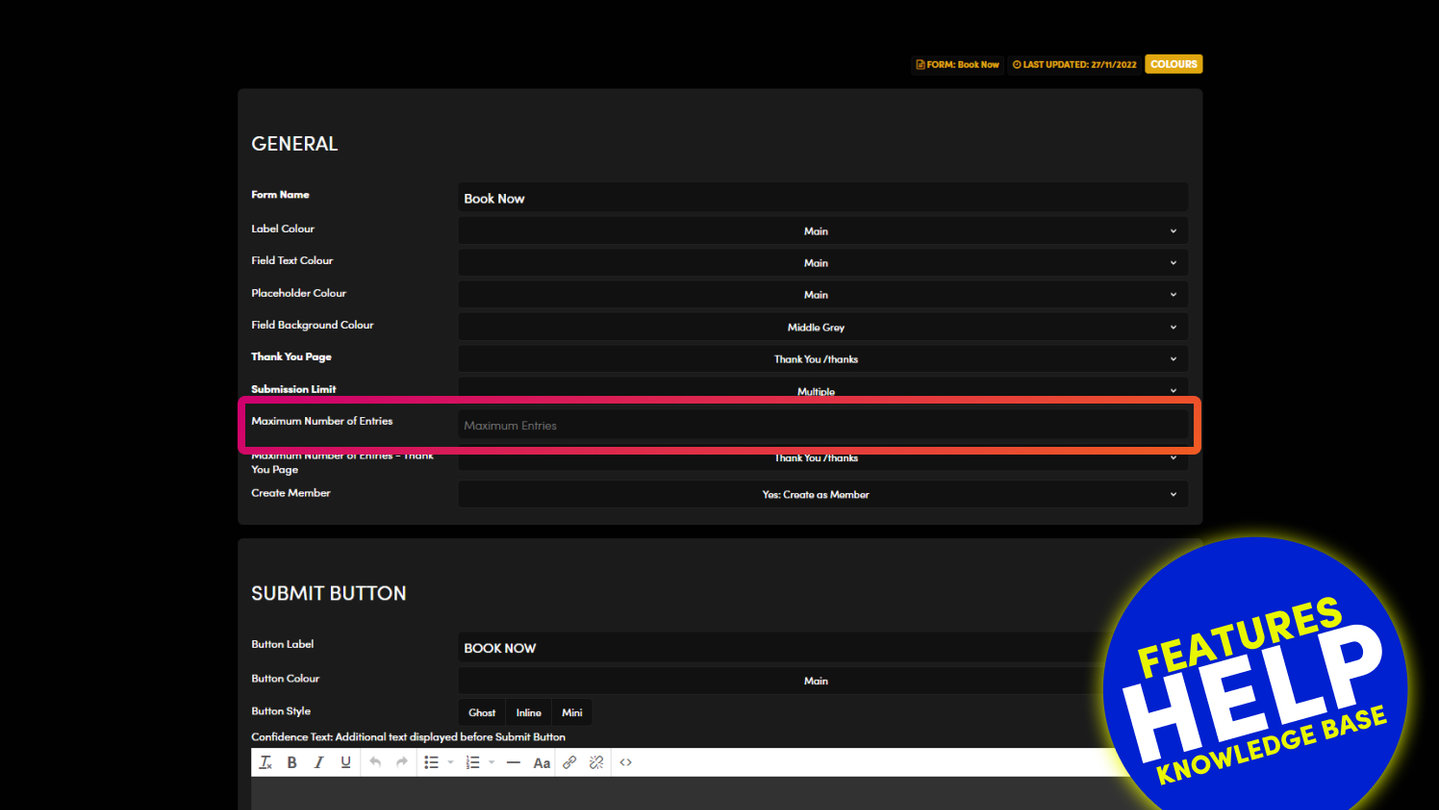
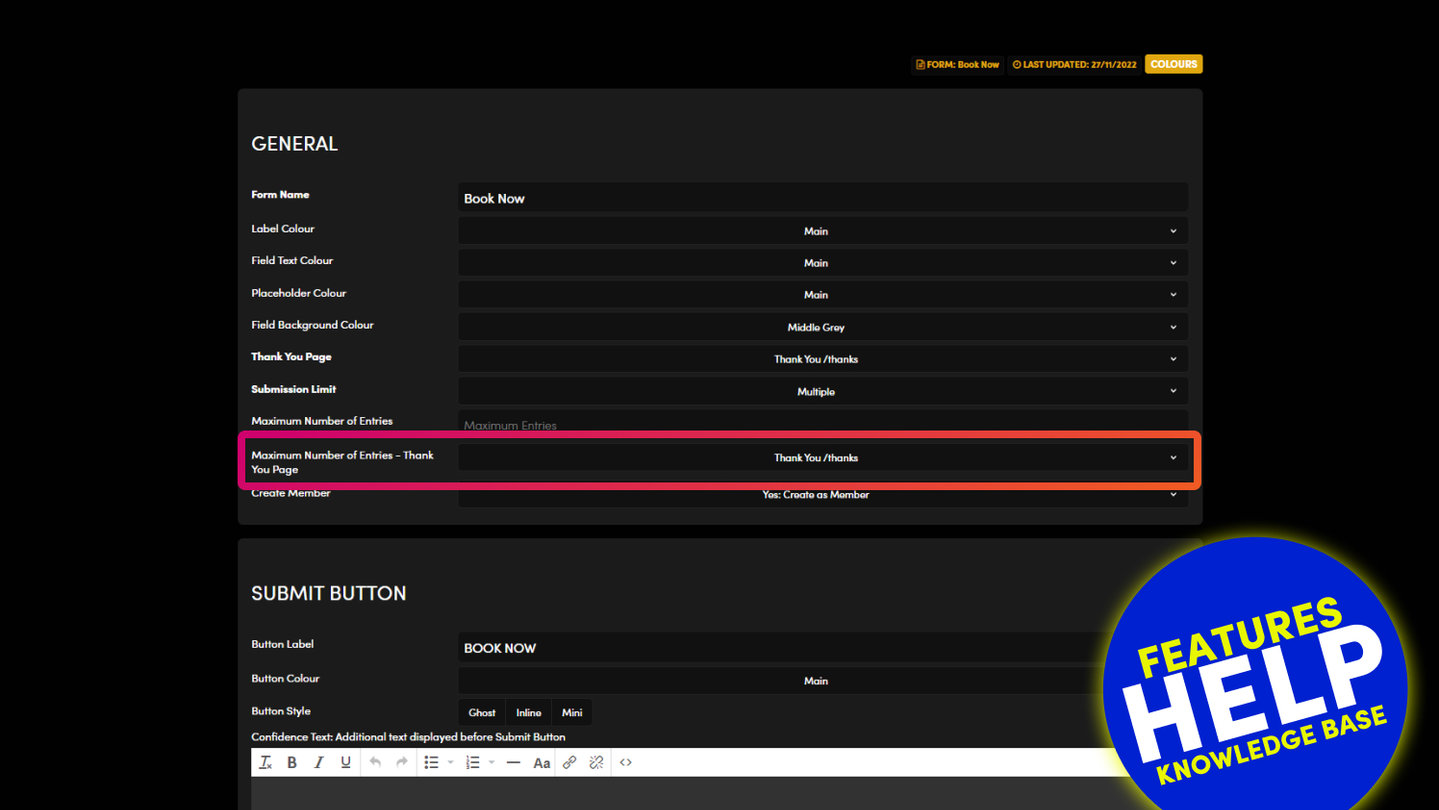
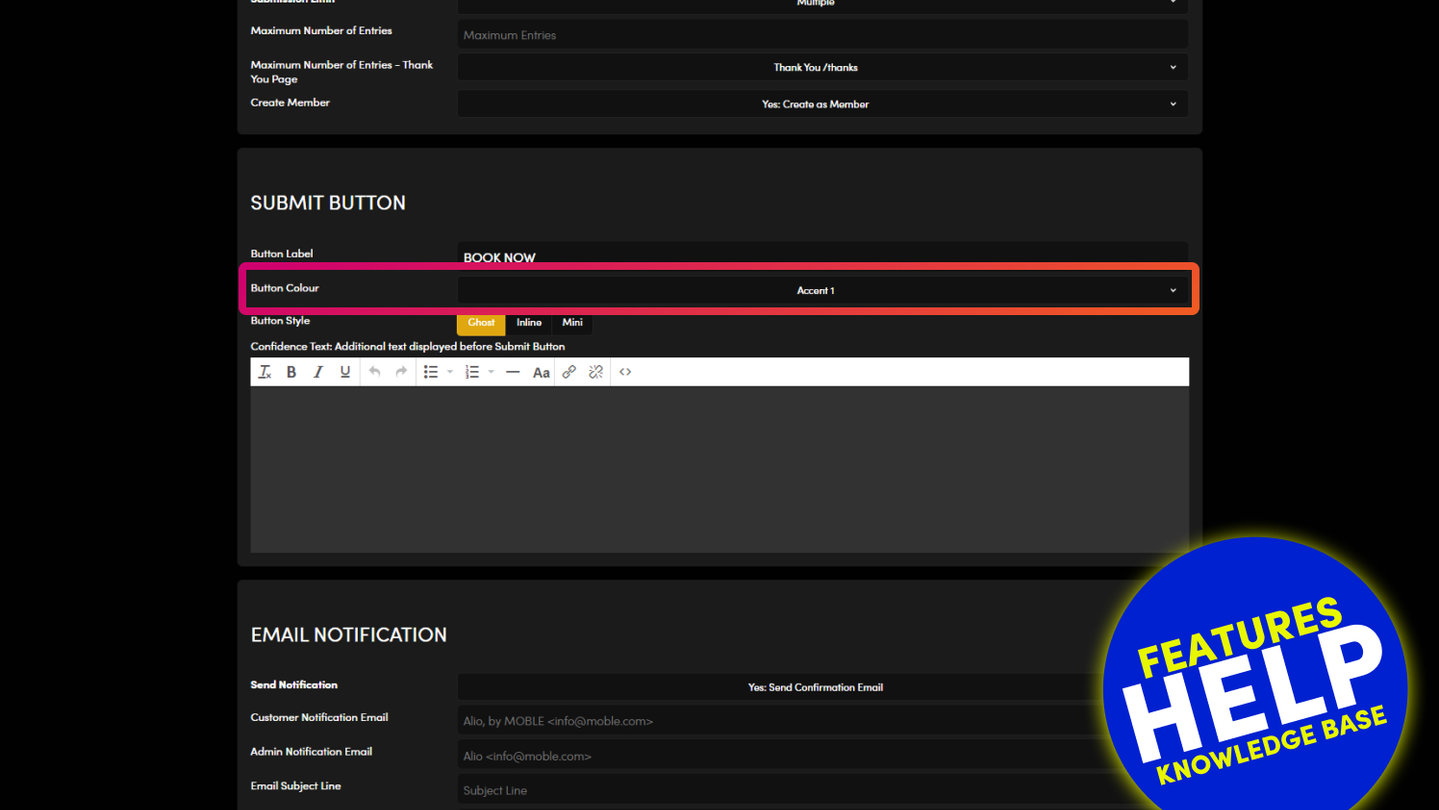
Open your form's settings: the cog on the Forms list, or SETTINGS in the Form Builder. In GENERAL, Form Type has five buttons.
- ENQUIRY: entries land in Enquiries. Use it for contact and general forms.
- LEAD: entries land in Leads, ready for your sales stages. Use it for quote and sales forms.
- TICKET: entries land in Tickets, for support requests.
- TASK: entries land in Tasks, for project and job requests.
- CHATBOT: the form belongs to a chatbot and its answers go through the chatbot.
Press SAVE & EXIT. New entries go to the board you chose. Entries you already have stay where they are.
One form can sit on many pages, so the change applies everywhere that form is used. Send one test entry and check it arrives on the right board.
RELATED HELP
Play before you Pay?
GETTING AROUND
SUPPORT
AI SALES LINE
AI SUPPORT LINE
ENQUIRIES
team@moble.com.au
GET A QUOTE
A Web Builder for Design. A CMS for Business. We serve all businesses from SME's to Enterprise. Talk with us for AI development, custom website design, website development, ecommerce websites, directories, intranets and social networks.
PRIVACY | WEBSITE TERMS | PLATFORM TERMS | © 2026 MOBLE PTY LTD