
PICK YOUR AI THEME TO GET STARTED

DISPLAY FROM
Any content may be given a 'Display Date', this is the date that you would like your visitors to see in relation to that piece of content. E.g. the date of an Event; or the Date that a Blog post was published.
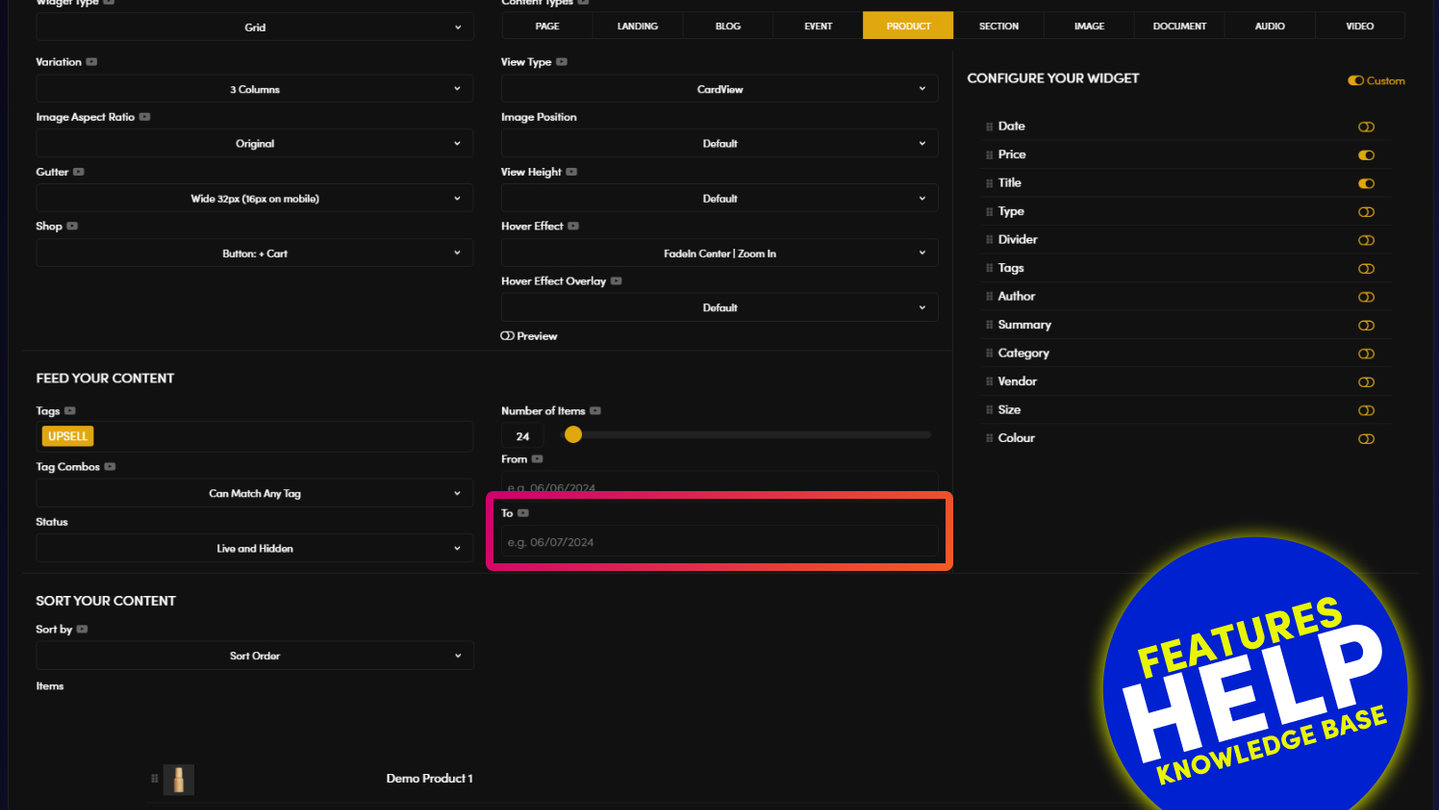
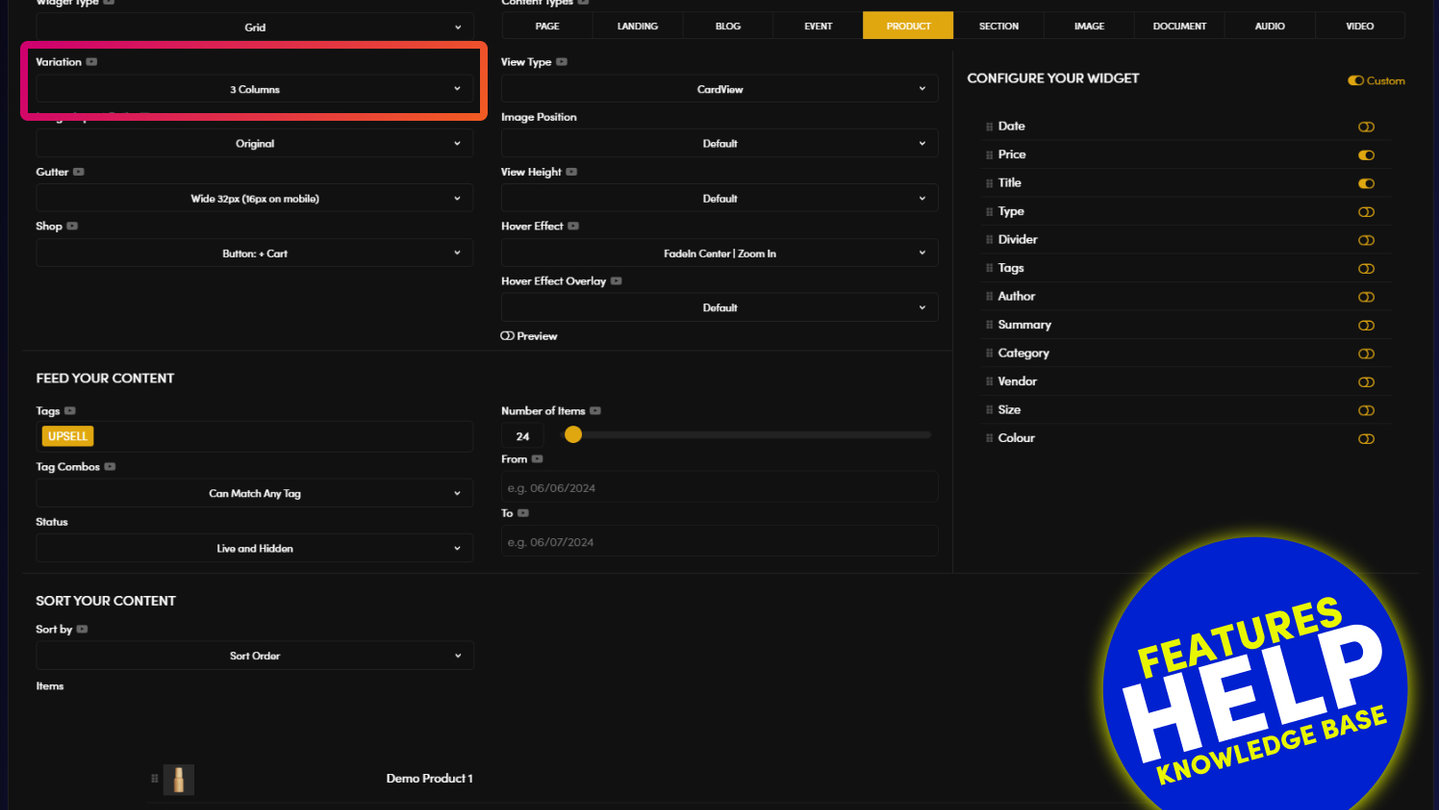
'Display From': In your Widget, you can select a date range of content that you wish to show. If you add a 'Display From' date, any content with a Display Date before this date will not show in your widget.
EXAMPLE:
An Event Page has a 'Display Date' of 24 January 2020. You set the 'Display From' date as 7 January 2020. Your Event Page will appear in your widget.

RELATED HELP
Play before you Pay?
GETTING AROUND
SUPPORT
AI SALES LINE
AI SUPPORT LINE
ENQUIRIES
team@moble.com.au
GET A QUOTE
A Web Builder for Design. A CMS for Business. We serve all businesses from SME's to Enterprise. Talk with us for AI development, custom website design, website development, ecommerce websites, directories, intranets and social networks.
PRIVACY | WEBSITE TERMS | PLATFORM TERMS | © 2026 MOBLE PTY LTD