
PICK YOUR AI THEME TO GET STARTED

ADD TAGS IN BULK
Use ITEMS in the Tags area to add tags to many pages, products and files in one go.
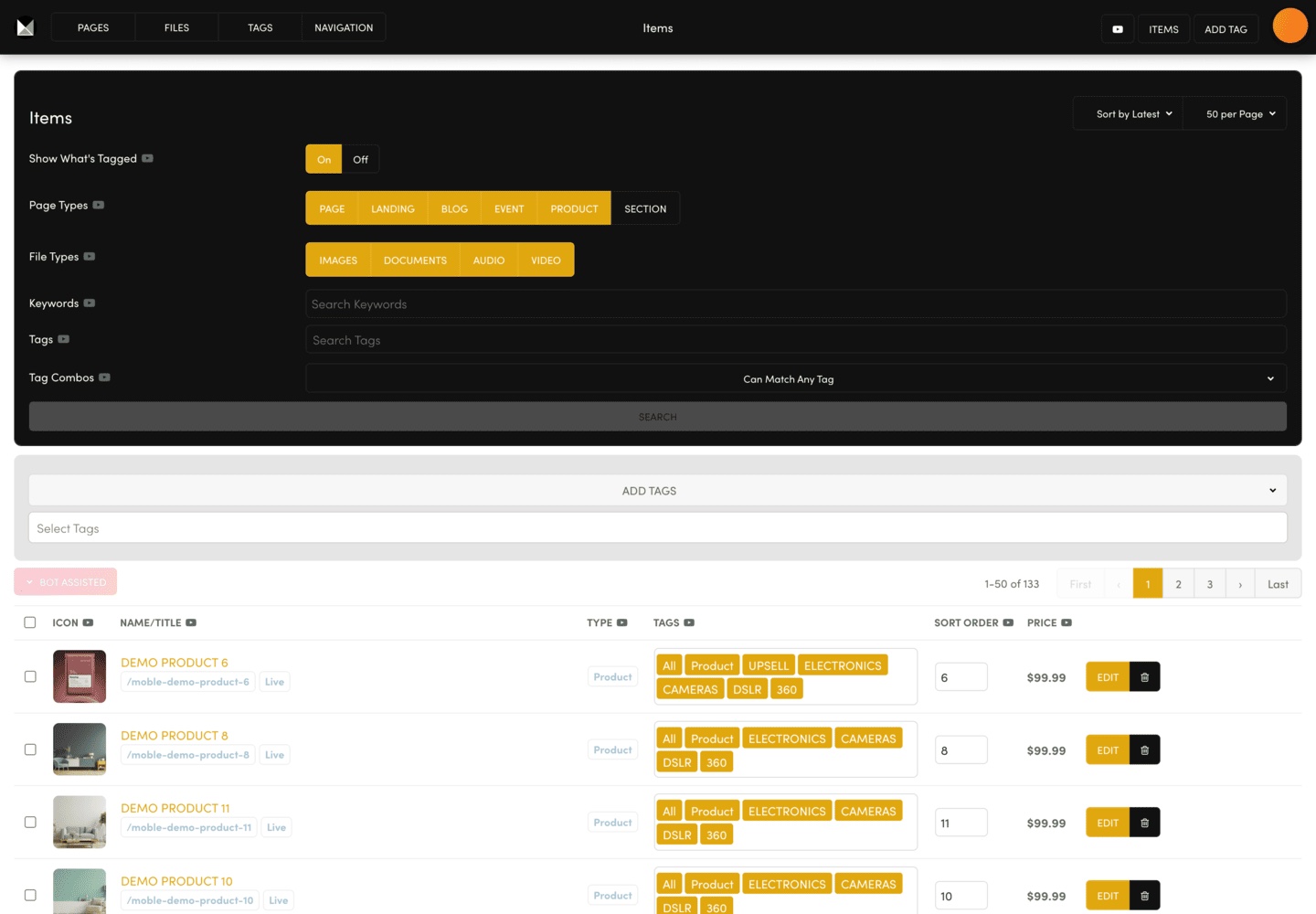
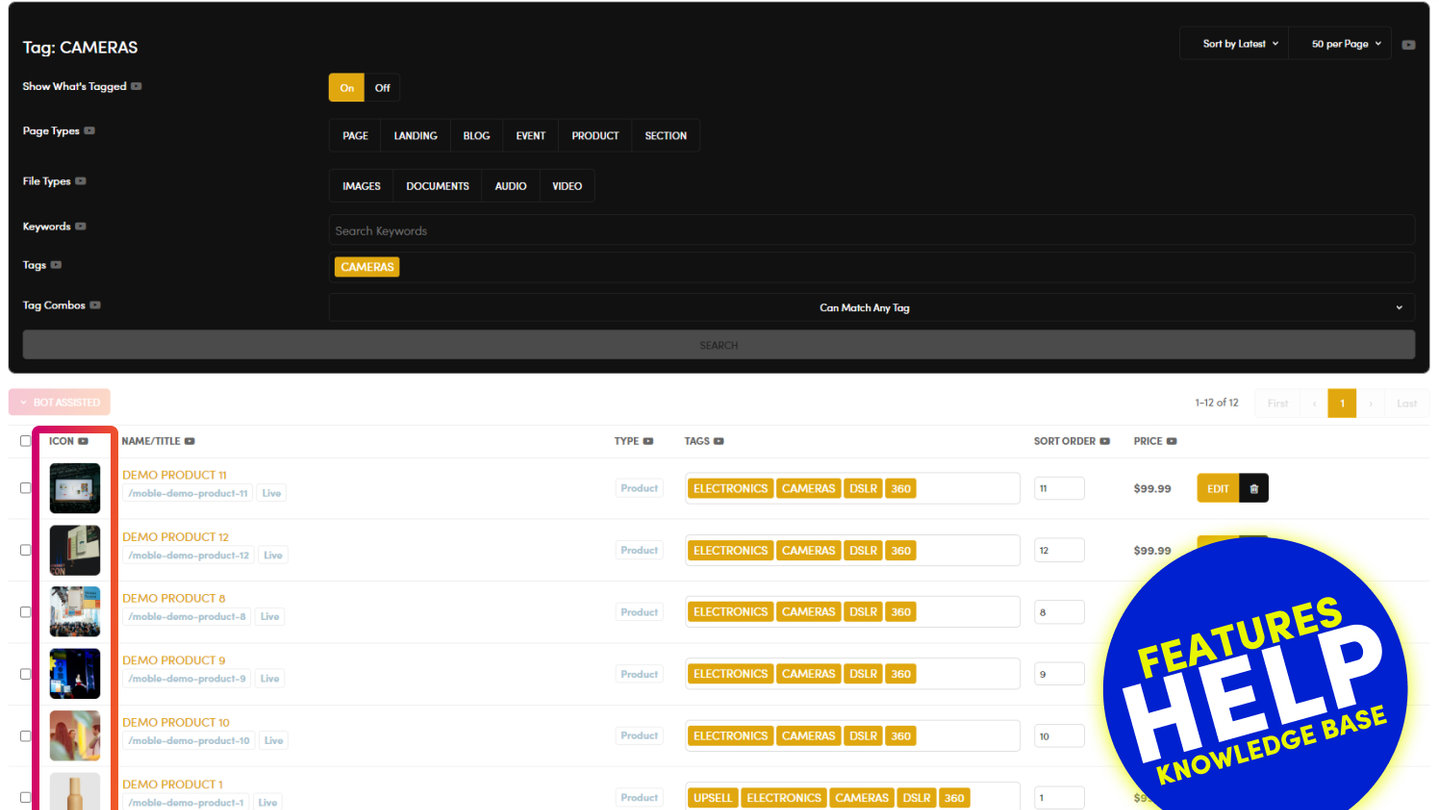
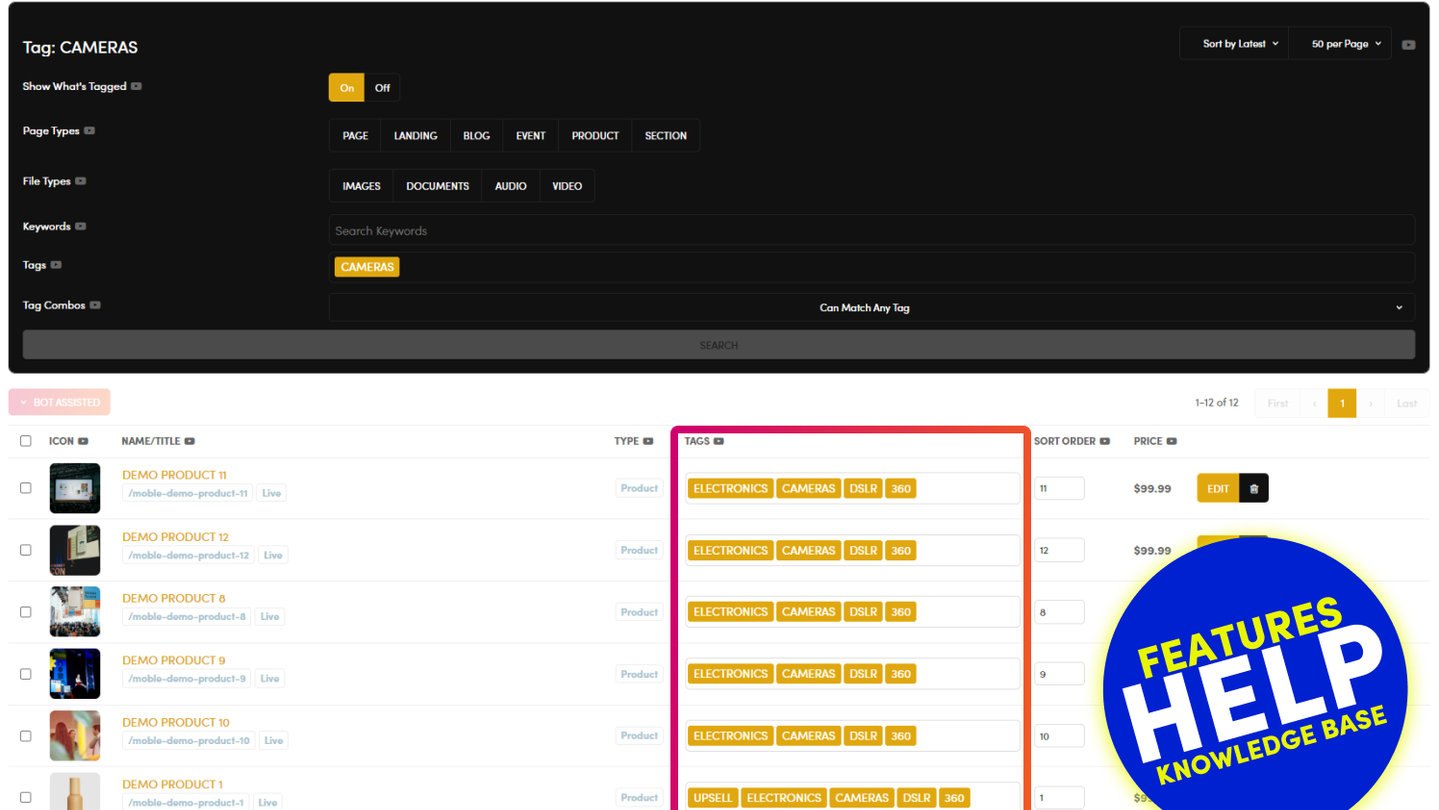
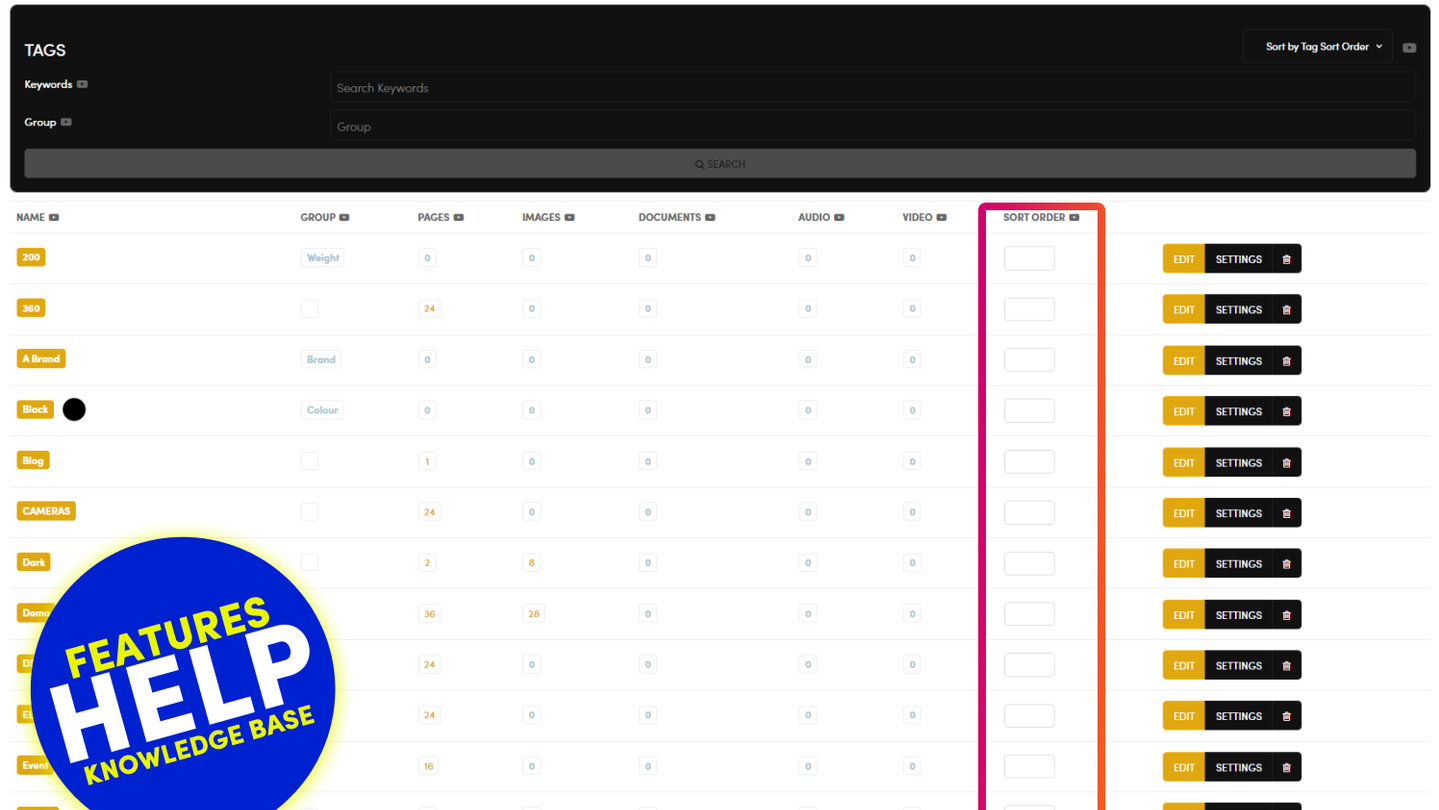
Go to TAGS and press ITEMS at the top right. ITEMS lists every page and file on your site.
- Narrow the list with the search tool: Page Types, File Types, Keywords or Tags, then SEARCH.
- Tick the items you want to tag.
- Open ADD TAGS and choose the tags under Select Tags to add them to the ticked items.
For one item, type straight into its TAGS box in the list.
Widgets show items by tag, so newly tagged items appear in the matching galleries, sliders and feeds. Refresh those pages to check.
RELATED HELP
Play before you Pay?
GETTING AROUND
SUPPORT
AI SALES LINE
AI SUPPORT LINE
ENQUIRIES
team@moble.com.au
GET A QUOTE
A Web Builder for Design. A CMS for Business. We serve all businesses from SME's to Enterprise. Talk with us for AI development, custom website design, website development, ecommerce websites, directories, intranets and social networks.
PRIVACY | WEBSITE TERMS | PLATFORM TERMS | © 2026 MOBLE PTY LTD